
Pirros for
BIM & Design Technologists
Stronger standards. Less manual work.
Pirros helps BIM managers and design technology leaders turn project content into a searchable, evolving standards system — so teams can find trusted details while standards stay aligned with the work actually happening across the firm. Fewer interruptions. More time improving the systems behind design production.





















Standards are hard to maintain manually
Every firm wants clean standards and a reliable Revit library. In practice, maintaining that system requires constant effort.
Design technology leaders often find themselves:
- Maintaining Revit libraries by hand
- Helping teams track down details and families
- Keeping project work aligned with firm standards
- Watching standards drift across offices and projects
- Lacking visibility into how content is actually used
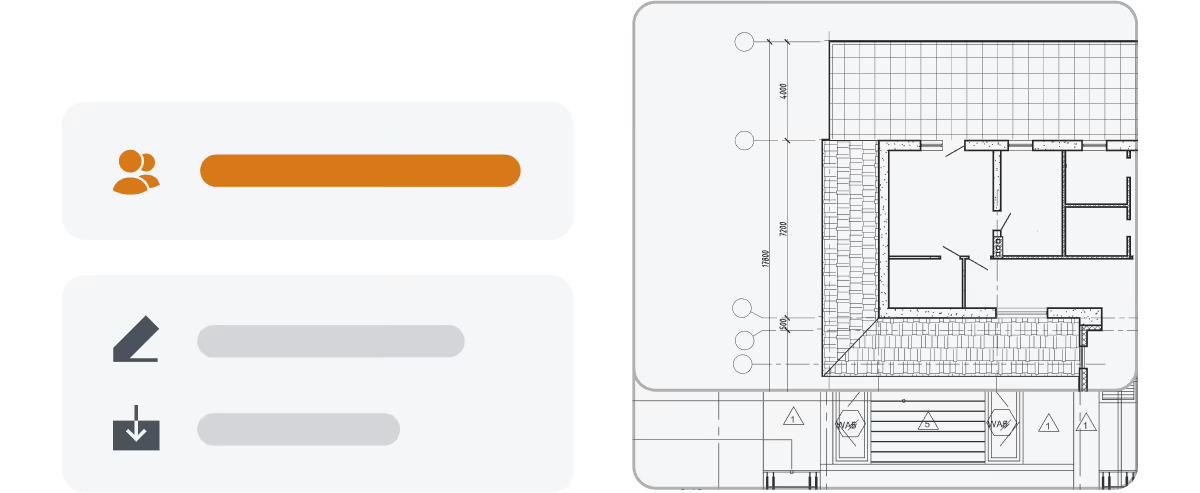
Valuable details are being created inside project models every day. Without an easy way to surface them, the library quickly falls behind the work happening across the firm.

How Pirros Helps
How BIM managers use Pirros to work smarter

Search without tags or naming conventions
Pirros uses AI and computer vision to make your firm's Revit content searchable across all uploaded projects by appearance, text, parameters, or name. Typo-tolerance is built in. When designers can find content on their own, repetitive requests drop significantly.

Surface reusable content automatically
Pirros analyzes content across projects and identifies details and families that are commonly reused across teams and projects. The Suggestions tab groups similar content by type, usage frequency, and project context, so you can see what deserves a spot in the standards library without manually hunting through project models.

Review, approve, and promote through built-in workflows
Vet content directly inside Pirros with markup, flagging, version tracking, and approval controls. Teams can request that content be reviewed for standards inclusion. The entire review process stays asynchronous and tied to the content itself, replacing committee meetings and email chains.

Control reuse with reference-only access and permissions
Mark specific projects or content as reference-only so teams can view and learn from past work without freely downloading it into live projects. Restrict Insert View from File to channel content through Pirros. These controls help junior staff access firm knowledge safely while protecting standards integrity.

Track usage and adoption across the firm
See which details and families are being downloaded, viewed, and reused across teams, offices, and projects. Identify which standards are widely adopted, where non-library content is being used, and which areas of the library are underperforming. Usage data replaces guesswork when deciding what to prioritize.

Manage at enterprise scale
Organize content across multiple libraries and workspaces to match your firm's office, discipline, or team structure. Define custom roles with granular permissions. Integrate with SSO for streamlined access management. Bulk-edit tags, notes, and project filters through Excel export and import for large-scale library maintenance.

Stronger standards.
Less manual work.
When teams can quickly access trusted content, the entire production workflow becomes easier to manage. Instead of constantly maintaining the system manually, design technology leaders can guide and improve it.
- 30-50%Faster detail retrieval and reuse
- 15-30+ hrsSaved per project
- 1,000+ hrsRecovered annually across teams
- $100K - 500K+Annual productivity gains
- LessTime spent manually maintaining the system
From project content to firm standards
Upload Revit models
Import your firm's project models into Pirros.
Surface reusable content
Pirros identifies reusable details and families from project work.
Review and promote to standards
Review and promote the best content into the standards library with structured approval workflows.
Track usage and improve over time
Monitor how content is used and continuously strengthen standards.
Built to Scale
A system that scales with the firm
As firms grow, maintaining standards across teams and offices becomes more complex.
Pirros helps design technology leaders move from manual library management to a system where standards evolve alongside real project work.
Instead of chasing content across the firm, BIM managers can focus on improving workflows, enabling teams, and strengthening the systems behind design production.
How leading firms keep standards aligned with real project work
David Baker Architects (DBA) is known for balancing design excellence with social impact. Maintaining that quality across projects requires more than a static standards library.
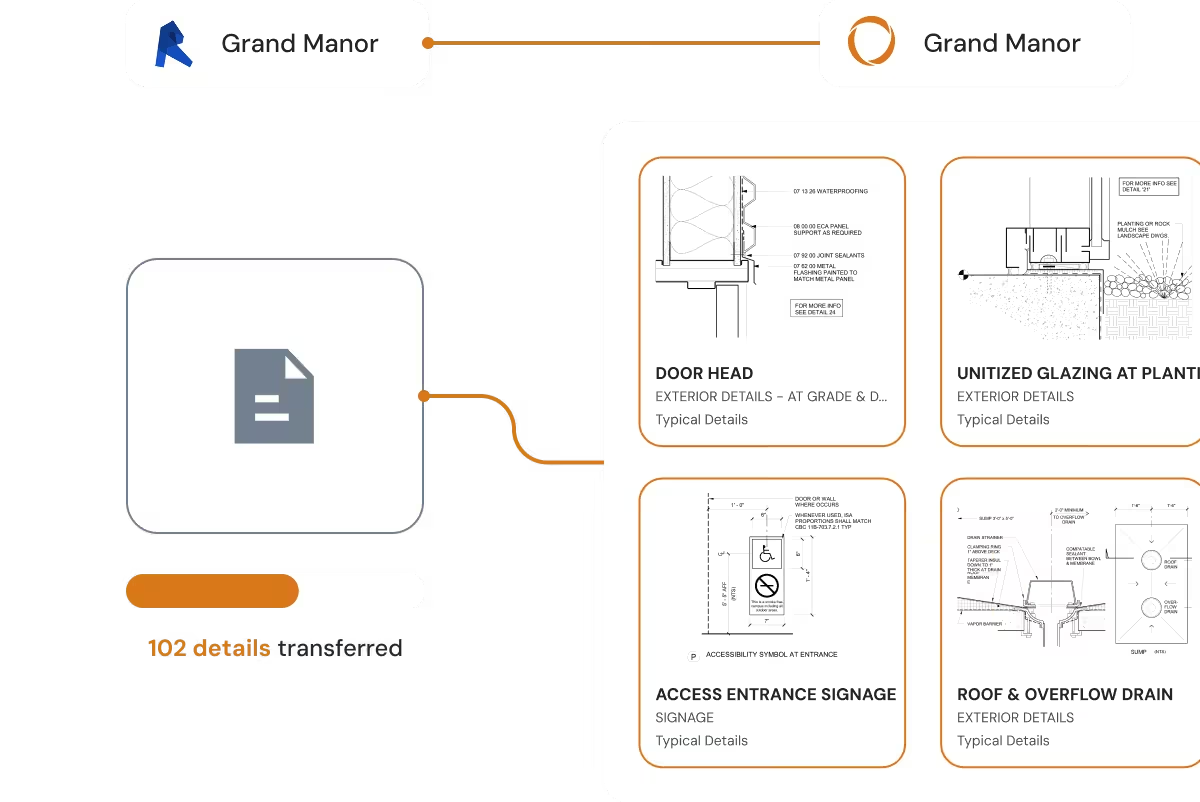
DBA built a workflow in Pirros to flag, vet, and approve details directly from project work. Approved details flow into the firm's Revit template and back into Pirros — a continuous feedback loop between project work and firm standards.
- 700%
Increase in vetted library content - 15-20 hrs
Saved per project - $180K
Annual time savings

"We use Pirros as a tool to vet details. The details filter into our Revit template, and then back into Pirros. It's a feedback loop that keeps everything organized and current."
Orrin Goldsby
Architect at DBA

Make standards easier to maintain
Pirros helps design technology leaders support their teams while keeping standards strong. See how Pirros works for your firm.