
Pirros for
Architects
Instantly find the right details from your firm's past projects.
Your best details are buried in old Revit models. Pirros makes them searchable — so designers document faster and firm leaders see how knowledge is reused.











Your best work is buried in old project files
Architecture firms solve the same technical challenges again and again — wall assemblies, flashing conditions, connections that took hours to coordinate. But those solutions stay locked inside old Revit models and project folders.
Design teams run into the same frustrations:
- Searching through old Revit models to find past details
- Recreating work that already exists but can't be located
- Uncertainty about whether a detail is current or correct
- Interrupting senior staff to confirm past decisions
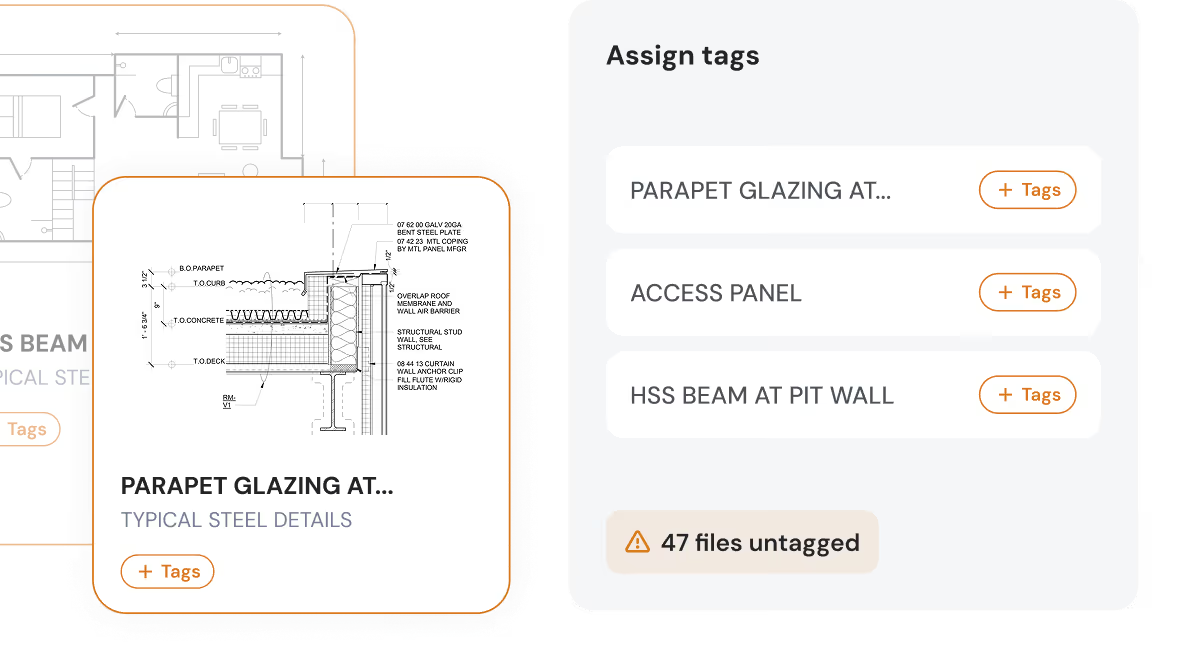
Duplicated work. Inconsistent documentation. Valuable design knowledge that never gets reused.

built for architects
How architects use Pirros to document faster
From detail discovery to firm-wide standards — six capabilities designed around how architecture teams actually work.

Search across your firm's project history
Find details and families across every uploaded project at once. Pirros's search is powered by AI and computer vision, so content is discoverable by what it is, not what it was named or where it was filed.

Preview and compare content
Review full PDF previews of details and sheets, and inspect families in 3D directly in the browser. Compare how similar conditions were solved across different projects without opening a single Revit model.

Insert directly into Revit with one click
Search, select, and place details and families into your active project without leaving Revit. Content comes in ready to use, so there's no downloading files, hunting through folders, or switching between applications.

Mark up, comment, and share as PDF
Annotate details directly in Pirros and attach feedback to the content itself, so review stays with the detail instead of scattered across email threads. Share marked-up PDFs with consultants and contractors who do not work in Revit.

AI-enabled standards library growth
Pirros surfaces the details and families teams reuse most and suggests them for vetting. Standards grow from what has proven itself on real projects, reviewed and approved by your firm.

See how content is used across your firm
Track which details and families are relied on most, by whom, and on which projects. Usage patterns show where the standards library is strong and where gaps exist.

Faster documentation.
Stronger margins.
- 30-50%Faster detail retrieval
- 15-30+ hrs
Saved per project - $100K - 500K+Annual value through faster documentation
- 1,000+ hrs
Recovered annually across teams - HigherConsistency in documentation
for firm leaders
Turn project knowledge into firm-wide advantage
Every project produces valuable design knowledge, but most of it stays locked inside project files.
Pirros gives firm leaders visibility into how that knowledge is reused across the firm.
- Reduce duplicated work across teams and offices
- Improve consistency in documentation and standards
- Capture valuable solutions from past projects
- Identify the details most often reused across the firm
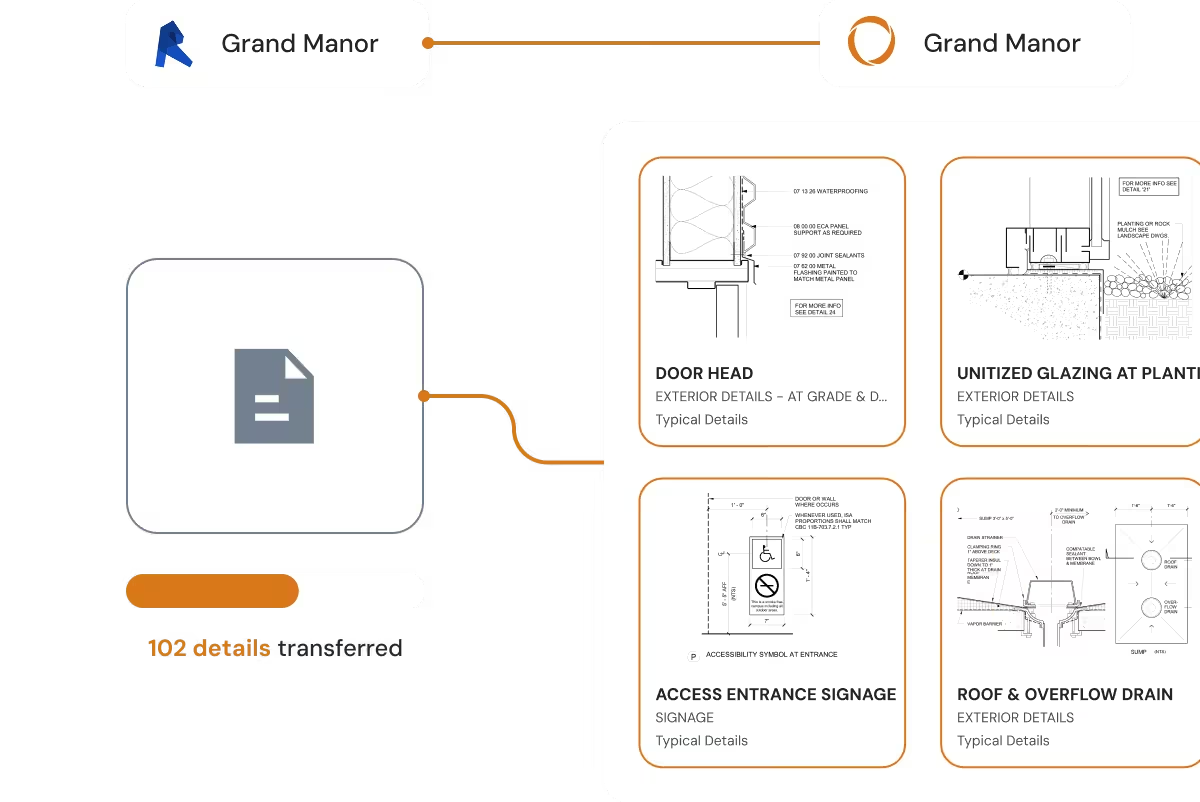
Pirros typically saves 15–30 hours per project by reducing time spent searching for and recreating details.
Trusted by leading architecture firms
Lake Flato, nationally recognized for design excellence and innovation, wanted to make decades of Revit knowledge instantly findable and reusable—without adding another tool people would ignore. With Pirros, they cut time spent opening old models by 50% and saved $200K+ per year.
Designers now search the firm's history in seconds, compare details side by side, and drop the best version into Revit while the conversation is still happening. Pirros didn't just improve access to details—it turned Lake Flato's design history into a foundation for further innovation.
- 50%
Less time opening old models - $200K+
Saved annually
"I pulled up Pirros during a meeting with a colleague to look at some different details together and we were thrilled at how fast it was to compare details and discuss assemblies with this tool."
Lake Flato Pilot User

See what your firm already knows
Your firm has already solved these problems before. Pirros helps architects find those solutions and use them again.


Frequently asked questions
Check out some of our recently asked questions.