Introducing the Pirros MCP: Your Firm's Details and Families in Claude and ChatGPT
The Pirros MCP brings your firm's details and families into Claude, ChatGPT and Cursor. Part of Pirros for Enterprise, with the API, SSO and shared workspaces.

Your firm's details, in the AI tool you already use
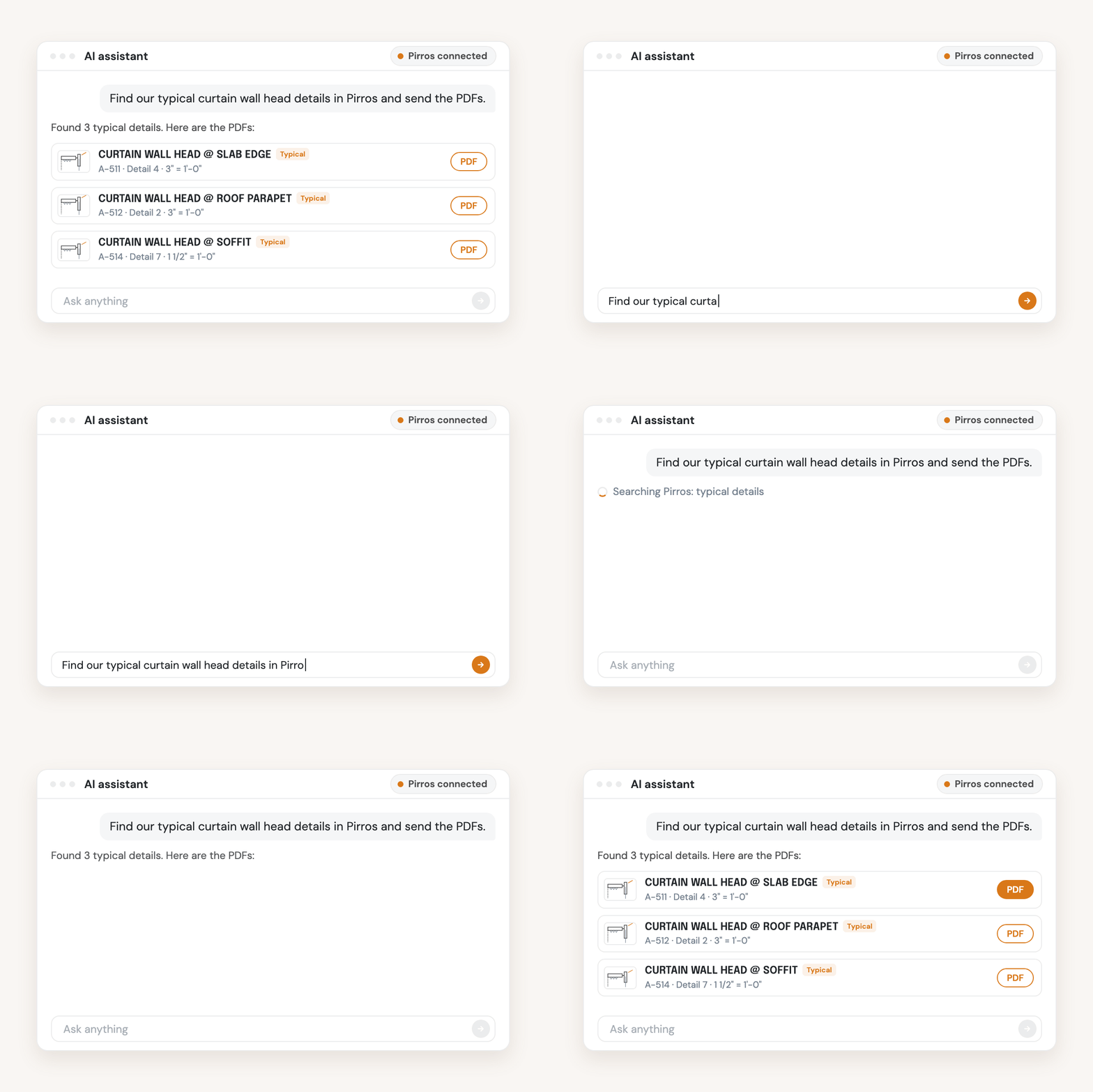
The Pirros MCP lets an AI assistant search your firm's details and families in Pirros and hand back what it finds. MCP, the Model Context Protocol, is the open standard AI assistants use to connect to other software. Once your admin sets it up, you ask in plain English, in the conversation you're already having.
Some of what people ask:
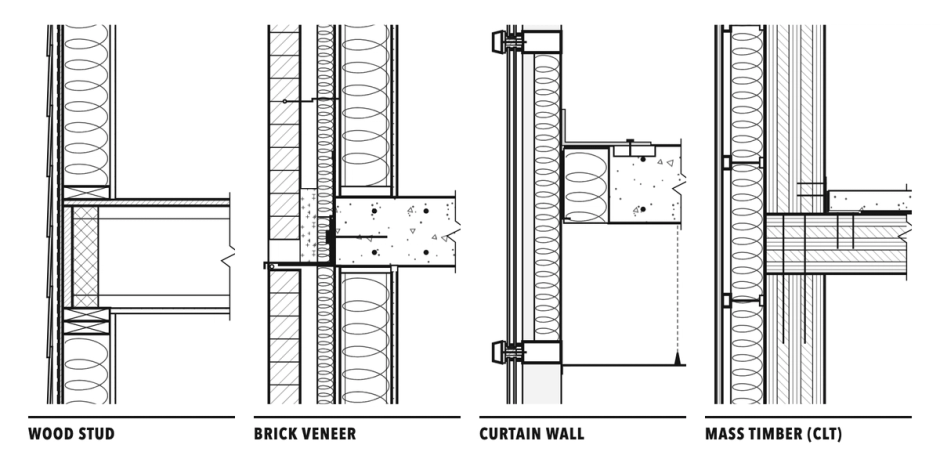
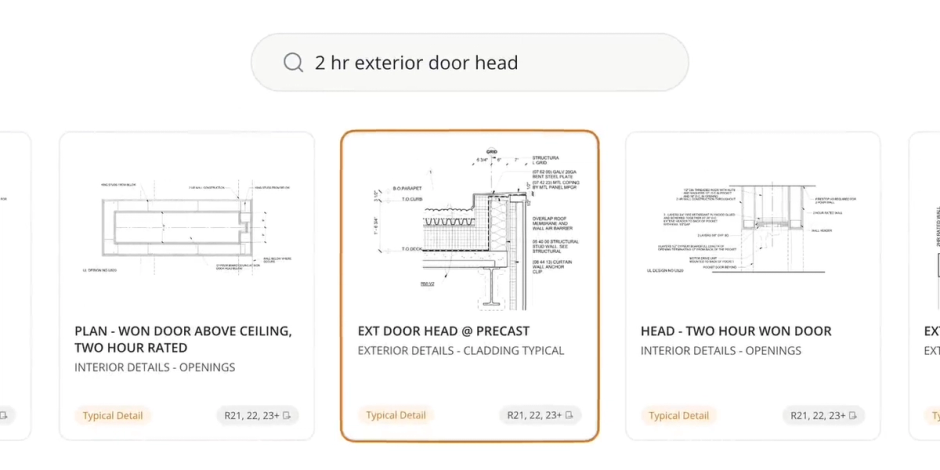
- "In Pirros, find our typical curtain wall head details and give me the PDFs." You get each detail's sheet, detail number and scale, with a link to the drawing.
- "Do we already have a 36-inch flush door family?" Ask before someone builds a new one. It searches by name, category and Revit version, and flags near-duplicates.
- "Which families nest this one?" See what depends on a family, and its revision history, before you change it.
- "Put these three details in a stash called Curtain wall review." The stash is waiting in Pirros for the review.
- "Find our typical parapet details and draft an email to the project team with links." If your assistant is also connected to your email, the search and the draft happen in one conversation.
It works in Claude (claude.ai and Claude Code), ChatGPT, Cursor and Codex. It doesn't change your details or families: it searches, opens and downloads them, and it creates stashes.
Where your firm's knowledge stops today
Many of the people who need your firm's details never open Revit. A project manager checking what the firm has built before, a principal preparing a proposal, a spec writer confirming a product, an engineer working in another tool: each one asks a colleague who knows where to look.
Meanwhile many firms have already approved an AI assistant, and IT doesn't want to review a new tool for every task. So the answers sit in Pirros, the questions get asked in Claude or ChatGPT, and a person carries them between the two. The Pirros MCP puts your details and families in the assistant those people already have open, within the limits your admin sets.
How it differs from Mira and from Revit MCP servers
The Pirros MCP finds what your firm has already drawn. It doesn't work inside a model; other tools do that job:
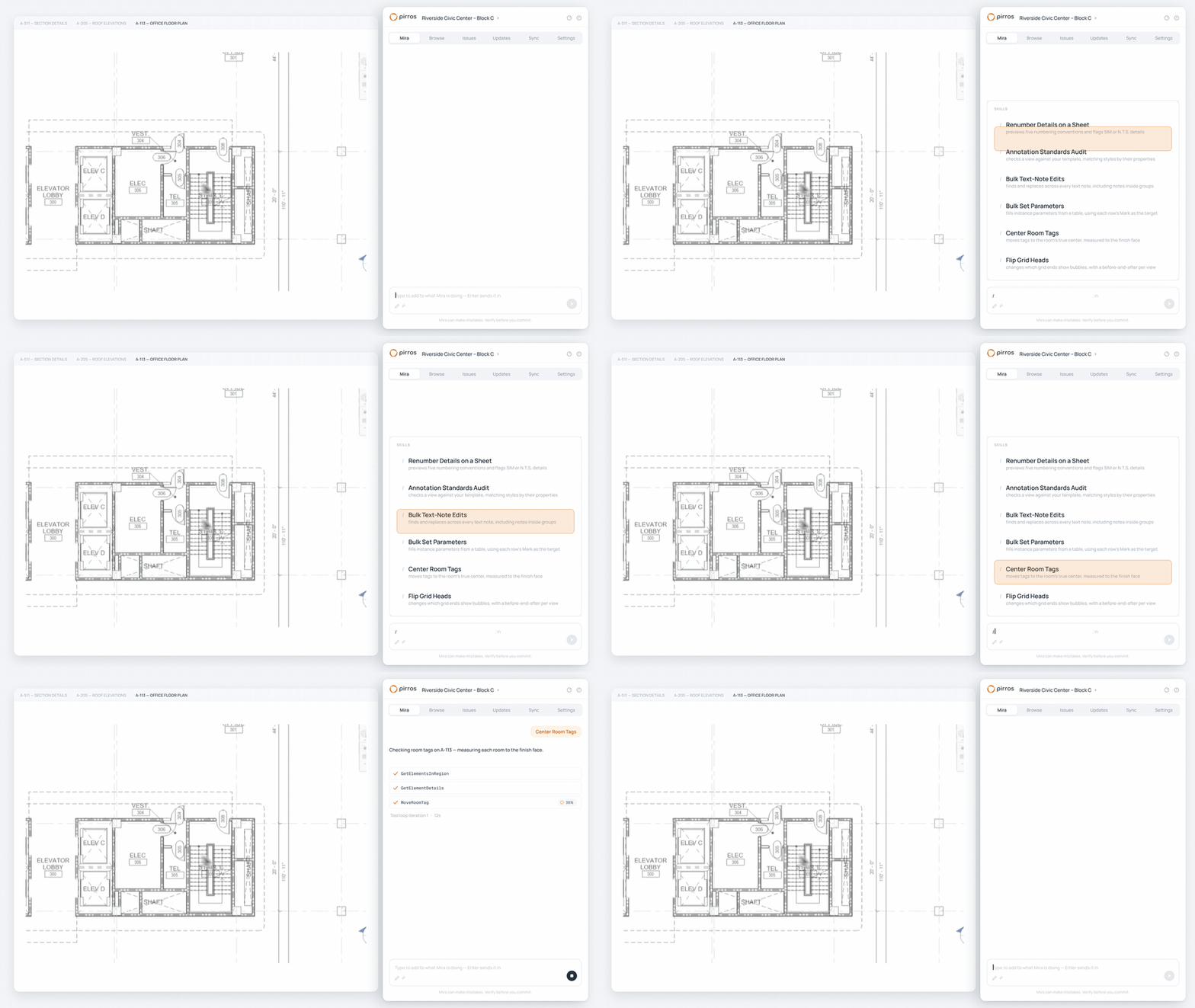
- Mira, the AI agent for Revit, works in the open model next to you and edits it once you approve. It's free to download for Revit 2025 and later.
- Autodesk's Revit Public MCP Server, a tech preview for Revit 2027, gives an assistant read-only access to the model open on your machine (Autodesk, June 17, 2026).
- Pirros in Revit puts Pirros search in a Revit sidebar, so you can drag a detail straight into the model.
They work together. Ask your assistant which typical details cover a condition, place the one you pick with Pirros in Revit, and let Mira handle the repetitive work in the model. Try Mira free.
Your admin decides what each connection reaches
Your firm's admin sets up the Pirros MCP once, not each person. The admin creates a credential for each AI tool, chooses the workspaces it reaches and what it can do there (read, write or download), and can narrow it further, for example to your typical details only. New credentials start closed: nobody connects until the admin turns connections on.
People connect from their own assistant. Their browser opens on Pirros, they sign in, and a consent page shows the credential, the firm and the workspaces it reaches. Nothing connects until they click Connect.
The admin can disconnect everyone on a credential, narrow what it reaches, or revoke it at any time. Pirros is SOC 2 Type II compliant; no other firm can see or search your details and families, and your data never trains the model (see more detail on our security page).
One thing to plan for: everyone on a credential reaches everything it covers, whatever their own Pirros permissions. Set up one credential per team and AI tool, and give each only what that team needs.
Everything else in Pirros for Enterprise
Pirros for Enterprise is the MCP plus three things larger firms ask for: the API, shared workspaces, and single sign-on with roles.
- The API. Your design technology or data team can pull details and families into your own dashboards and tools, such as a Power BI report of the firm's details or a Revit add-in. Admins scope each key the same way as an MCP credential, by workspace, filter and action. The MCP is built on the API, so a firm without a developer can reach the same data by asking.
- Shared workspaces. Invite people from a partner firm that also uses Pirros into one of your workspaces, for a joint venture or a consultant on your project. They keep their own login and license, work at the role you choose, and never see your other workspaces or settings. Everything they add stays with your firm, and removing someone takes effect on their next action.
- Single sign-on and roles. SAML single sign-on, including Microsoft Entra ID with automatic user provisioning (SCIM). Roles are set per workspace, so the same person can be an admin in one office's workspace and a member in another.
See what's included on our pricing page.
Get started
If your firm already uses Pirros, ask your Pirros admin or your customer success manager about Pirros for Enterprise. Once it's on, your admin sets up each MCP connection from Settings. The help center already covers API access and shared workspaces.
New to Pirros? Book a demo and we'll show you the Pirros MCP and how it fits your firm.