The Complete Guide to QAQC for Revit
What QA and QC actually mean for Revit teams, where native tools and plugins stop short, and how better content practices and AI-assisted review are starting to close the gap.


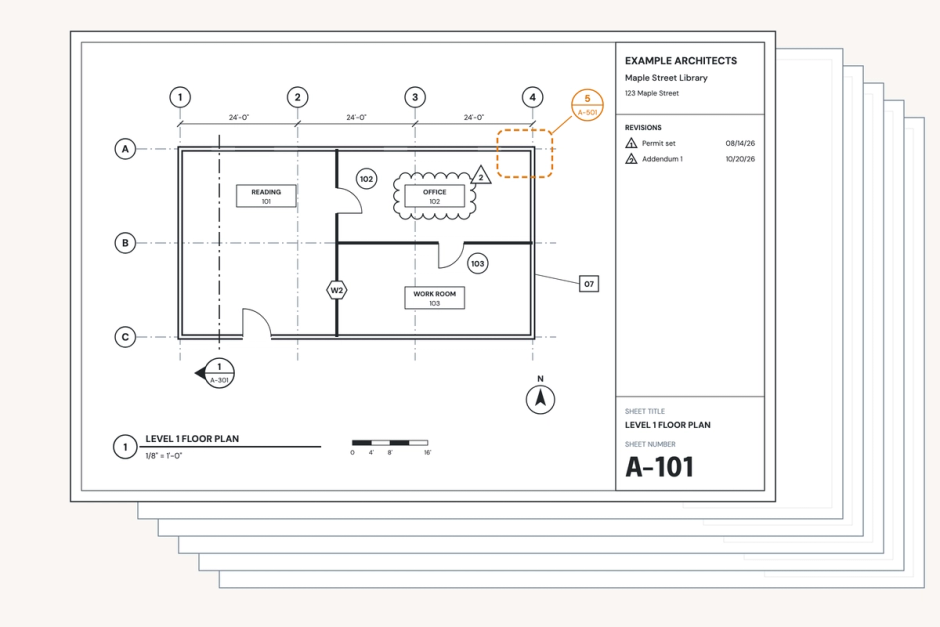
Imagine this situation at your design firm: a casement window appears in a detail drawing one inch smaller than the same window in the schedule. Nobody catches it during design. Nobody catches it during clash detection, because two objects that are each internally consistent with themselves don't clash with anything. The inconsistency survives Revit's own warnings, because Revit isn't checking for it. When the error is finally caught, the contractor has already put in the order for windows and doors, at which point the solution isn't a five-minute fix. It's an RFI, a change order, and a very awkward conversation.
The QAQC process exists to prevent this exact chain of events. Not a single dramatic mistake, but the gap between what a firm believes it checked and what actually got checked; a gap that native Revit tools, on their own, don't close.
This guide covers:
- What Revit quality control and BIM quality assurance actually mean in practice
- Where Revit's native capabilities stop and which tools firms lean on to fill the gap
- Where the discipline is heading next
QA vs. QC, properly defined
Most firms use "QAQC" as one word, but it's really two distinct disciplines with two different rhythms. Quality Assurance is a continuous process that runs throughout the design phase through stop-and-plots, team check-ins, and the judgment of the project architect. Quality Control is a late-stage event that usually happens in the two weeks before a deliverable is due, when a firm stops active design, prints and compiles everything, spends a week reviewing it, and spends another week fixing the errors that it found.
The cleanest way to describe the relationship between the two: QC verifies that you've done QA. The failure mode occurs when firms let continuous QA slide, and try to make it up during the QC window. In this situation, QA and QC are happening at the same time, under deadline pressure, which is exactly when errors get missed.
A good example: discovering during QC that a project needs a different construction type than what was designed (for example, a building requires Type 1 construction, but was designed with Type 2B) is not a fixable QC item. It's a QA-stage decision that should have been locked down early, and finding it late means redoing work under a deadline that was never built to absorb it.
What Revit does and doesn't do natively
Revit is a design authoring tool. It's primarily built to produce drawings rather than to correct them. Out of the box, it doesn't ship with a meaningful Revit model or Revit compliance checking. Firms can manually rig up schedules to flag certain conditions, but this is not a built-in capability.
It's also worth being precise about what Revit's warnings actually tell you. When Revit throws a warning, it's almost always about the software's own internal logic (duplicate type values, for instance, or a naming conflict that could cause confusion in the documentation). Those warnings aren't evaluating the quality or completeness of the drawing set itself. Treating them as a proxy for a Revit model audit or genuine Revit model quality control is a mistake. They're closer to a spell-checker for the model's internal bookkeeping than a piece of BIM quality control software.
The QAQC tools firms actually reach for
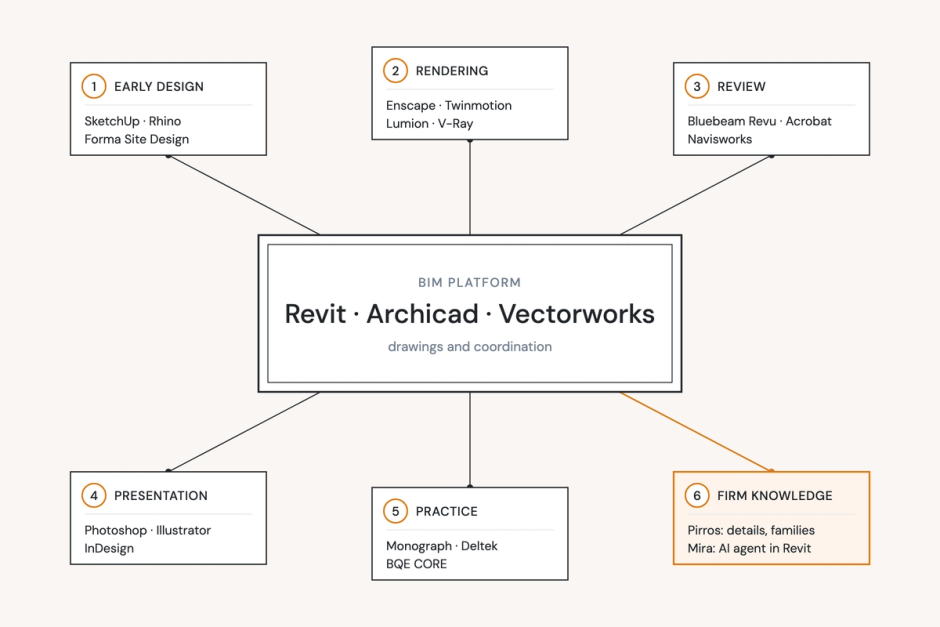
Because Revit doesn't handle QAQC natively, most firms use a second tool for the late-stage review. Bluebeam is the common choice; it's a PDF editor built for AEC workflows, with a cloud-based "Studio Session" feature that works something like a shared Google Doc for a PDF set. Reviewers mark up and comment together in real time. Once the team decides it's done taking comments, that marked-up PDF becomes the redline list that production staff work through against the live Revit model.
For cross-discipline coordination, many firms use the issue tracker built into Autodesk Construction Cloud. The issue tracker is broader than clash detection: it can carry any note one discipline wants to flag for another, not only recognize physical collisions. An architect might use it to tell a structural engineer they'd prefer a different brace configuration, for example. The issue tracker gets used continuously throughout design, but it depends entirely on a human touch: nothing surfaces automatically, so its value hinges on someone actually noticing the issue and taking the time to flag it. Alongside ACC, firms also reach for federated-model coordination platforms like Solibri, Navisworks, or Revizto for automated BIM review across disciplines.
What none of these tools catch
Clash detection, in particular, has a hard boundary: it only catches when two modeled objects physically collide. It has nothing to say about whether a design meets code, whether it matches what the client actually asked for, or whether a detail is realistically installable. Waterproofing sequencing is a common example of something that can look fine in the model, and still fail in the field. That gap is why, even with a full stack of architecture QAQC tools in place, firms still can't treat any single platform as a substitute for a human reviewer who understands the project's intent. QAQC, at its core, is still a judgment discipline that AEC QAQC software supports rather than replaces.
Who's accountable when QAQC breaks down
QAQC responsibility doesn't usually sit within a single role. At most firms, a BIM manager is a firm-wide technical resource, not a project-level QC gatekeeper, and best practice dictates that everyone on the design team is responsible for QAQC to some extent. However, the "buck stops" with the person who ultimately signs the drawings: the project architect, the designer of record, or the engineer of record. When an inconsistency is discovered in the field, that's who a contractor or an inspector calls.
When the process breaks down, it's often because review was done in a rush, not because nobody knew what to check. Deadlines compress and the continuous QA work that's supposed to happen throughout design gets squeezed, until it's not really happening at all.
Content quality as an overlooked QAQC lever
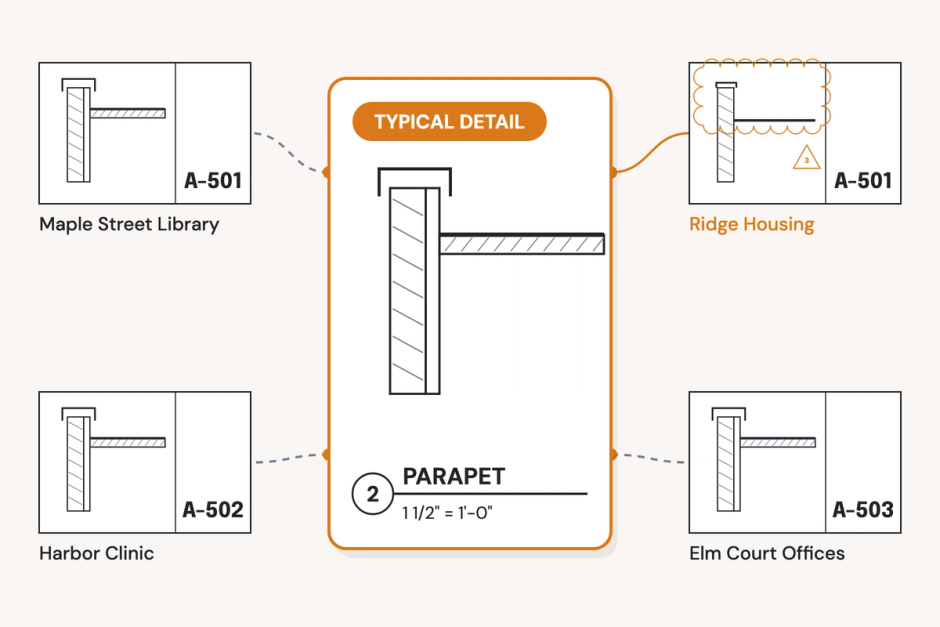
One underrated way to strengthen QAQC has nothing to do with adding another review step. Instead, it's about what a team is drawing from in the first place. When architects and engineers can pull vetted, previously-used details and families instead of redrawing something from memory or repurposing an old PDF, they start roughly 70% of the way to a correct, complete result. That's 70% less surface area for the kind of inconsistency that later shows up as a QAQC miss.
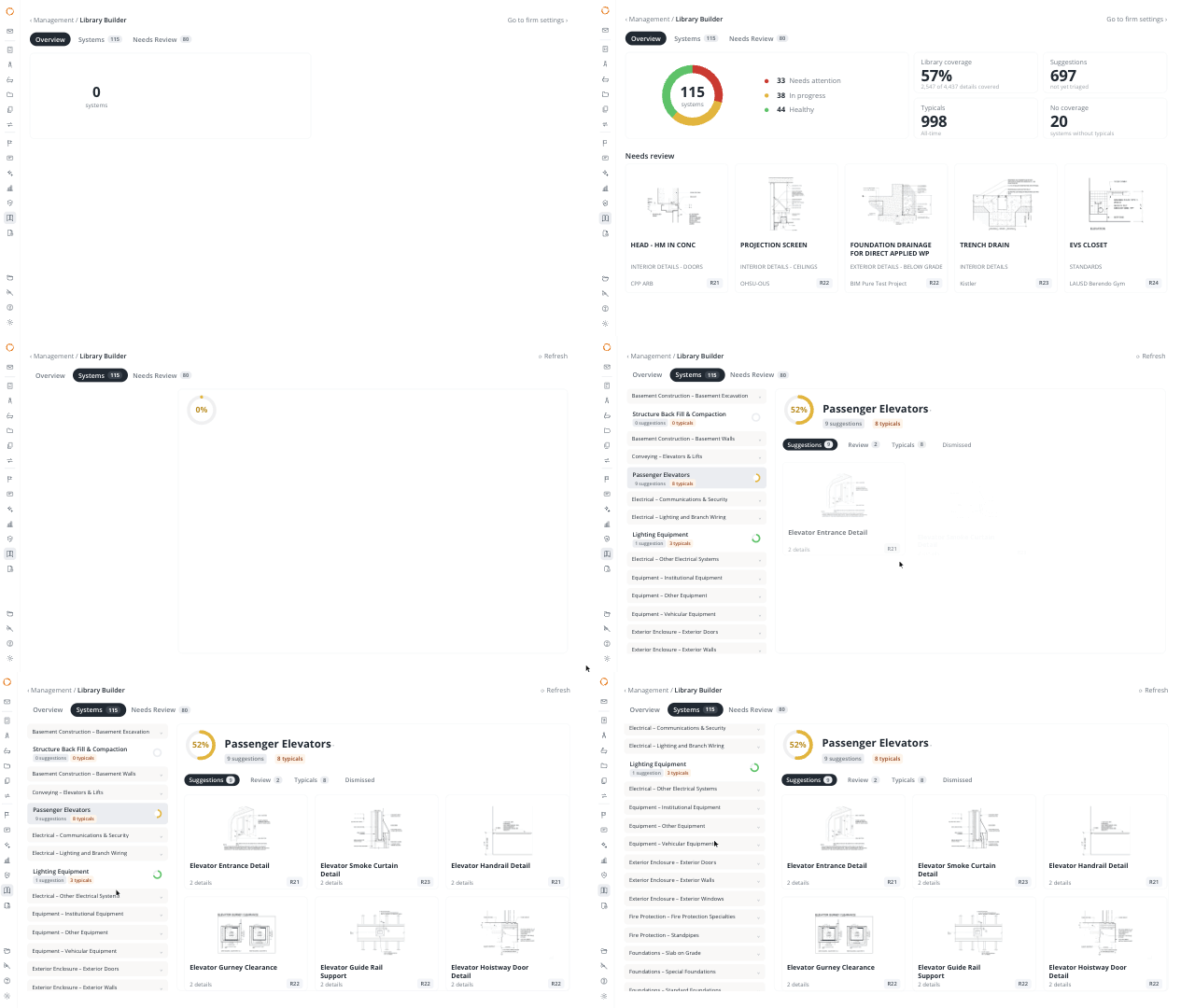
This makes Pirros, with its emphasis on detail and family management, a strong complement to any automated QAQC workflow for Revit drawings. It prevents certain errors from ever entering the model in the first place. There's a second-order benefit for BIM managers, too: usage analytics on which details get reused most often across projects is a practical signal for what should be promoted to an official firm standard; one of the less obvious features to look for in best QAQC software for architecture firms.
New areas for QAQC innovation
Within QAQC, there are two focus areas where early innovation in QAQC software is taking place.
First, clash detection resolution (the actual process of fixing what a clash report flags) hasn't meaningfully evolved in years. It's still conceptually close to the pre-digital practice of underlaying sheets on a light table and circling problems by hand; the format changed, but the workflow largely didn't. Tools like BAMROC are starting to chip away at this gap: on one hospital project, its AI engine automatically resolved 86% of roughly 120 MEP-vs-MEP and MEP-vs-structural clashes, without a person reworking each one by hand.
Second, AI-assisted review is making significant progress on code and best-practice checking. A recent article by McKinsey & Company, "How AI is reshaping the future of the AEC industry", names "design checks, specification review, [and] code and standards interpretation" among the workflows where AI is delivering the clearest near-term gains. This is precisely the kind of checking that, done well, lets a designer catch a constructability issue before a contractor discovers it in the field and has to file an RFI.
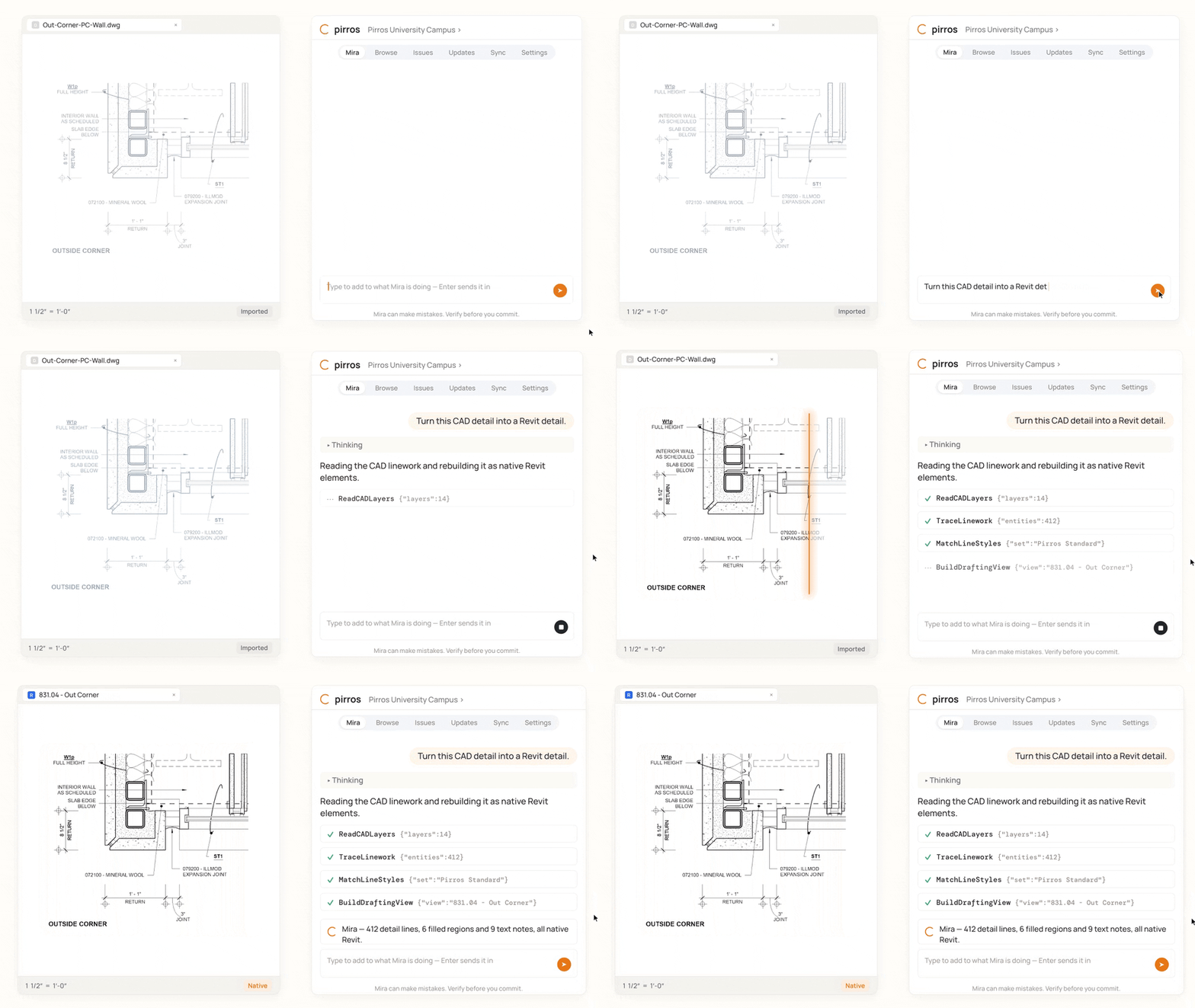
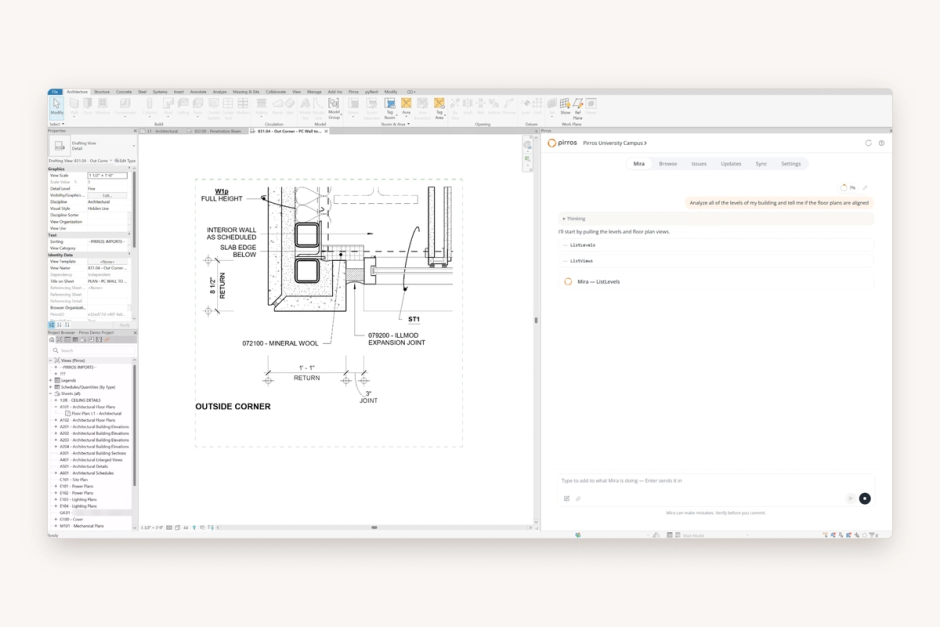
In one live example, a QAQC tool identified a stone veneer detail from the drawing itself, recognized that stone veneer assemblies carry a Masonry Institute recommendation for adhesion strength, and flagged the missing spec, without the need for a human reviewer to point it toward that condition. What separates this workflow from "boring old code review" is the ability to read the drawing as an image, not just parse text and tags.
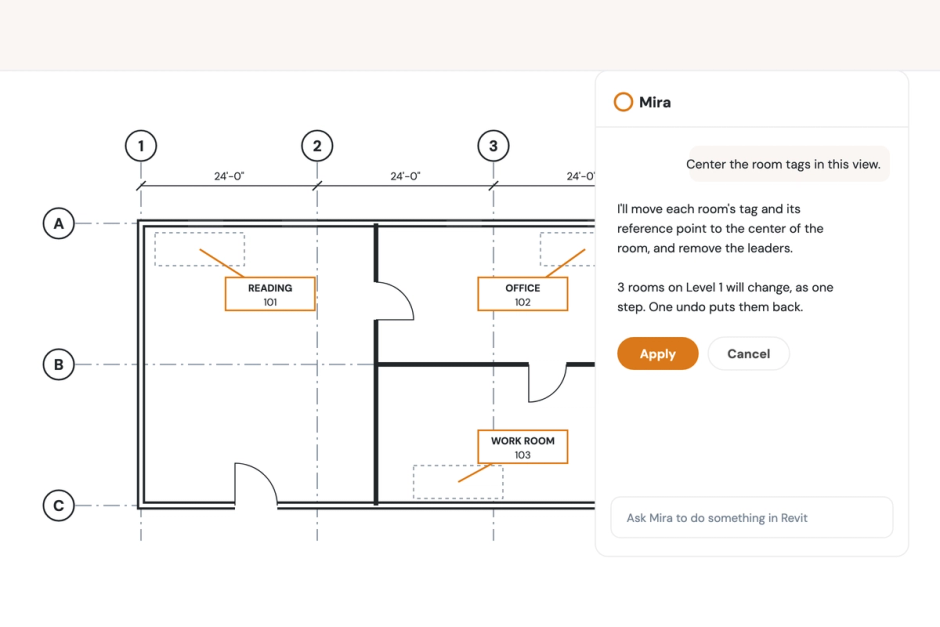
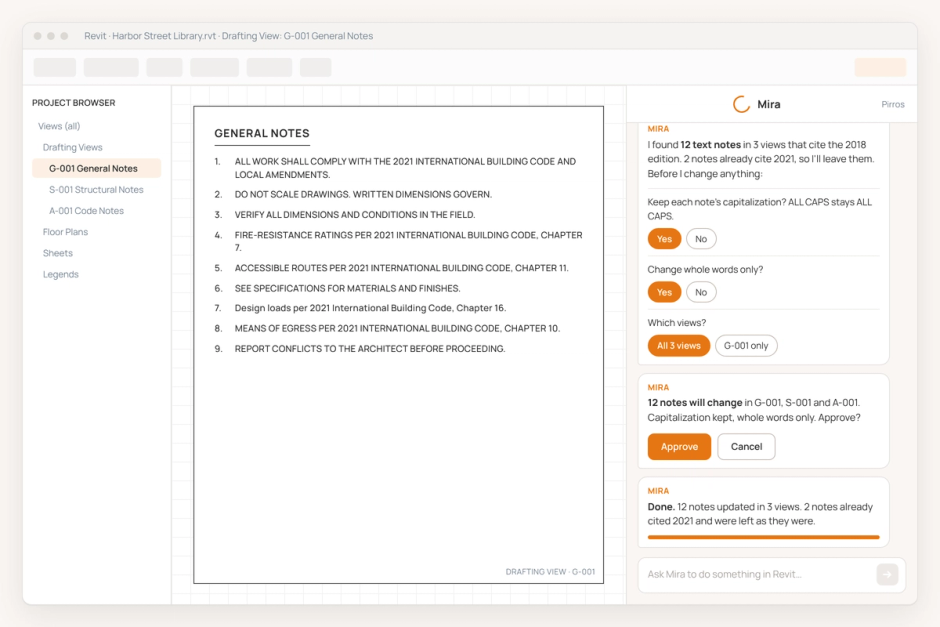
It's likely that future AI tools in QAQC will be able to respond live as a project is designed, acting as a co-pilot throughout continuous QA. For example, the tool would flag a requirement for a two-hour fire-rated wall the moment that someone draws a wall within three feet of a property line, rather than waiting for a scheduled review cycle to catch it after the fact.
In Closing
When high-quality review practices are combined with cutting-edge technology, the QAQC discipline combines continuous QA throughout design, the right late-stage verification tooling, and an AI-assisted layer that can read a drawing and catch what a rushed human pass might miss. The architect or engineer remains at the center of the equation, since they ultimately bear responsibility for the accuracy and safety of the finished product. The goal for better QAQC tooling, including what Pirros is building into its AI project hub, isn't to replace human judgment. It's to free up more time for the decisions that require human judgment.