An Easier Way to Convert Your Old CAD Details to Revit
Firms that moved to Revit still carry years of AutoCAD typicals. Learn how you can use Mira, Pirros' AI agent in Revit, to convert CAD details more easily and accurately.

Moving to Revit is a pain when your firm has drafted in AutoCAD for years. Your workflows, your typical details and the know-how built into them all live in DWG files. Bringing them across to Revit means redrawing or exploding one detail at a time, and that grind is enough to put off the switch to Revit altogether.
We know that grind, so we built a Mira skill for it. A skill is an automation Mira has learned: bring in a CAD typical, ask Mira to turn it into a Revit detail, and review what it builds.
Mira, which is free to download, spares you from a tedious session of redrawing details. It also changes what to do with the CAD details you haven't moved yet: don't run their conversion as a project. Keep your CAD typicals searchable next to your Revit details, convert each one the first time a project needs it, and review it into your firm standards. Your Revit set then grows out of real project work organically.
Firms that migrate to Revit keep their CAD typicals
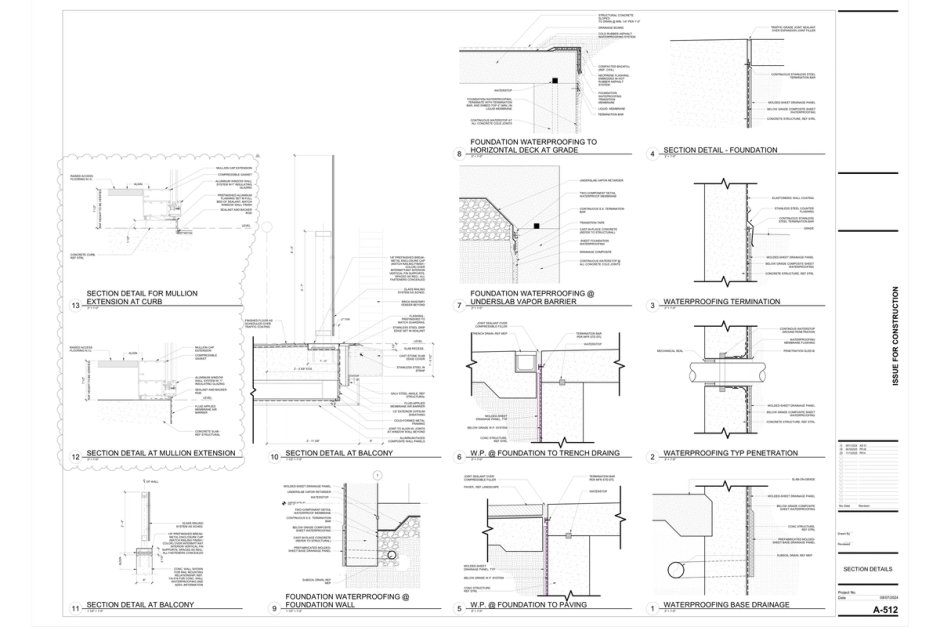
Firms that moved to Revit usually brought their projects across first, and left their typical details behind. So the parapets, sill flashings and slab edges the firm created over decades still live buried in DWG files.
When you need those details in a future project, generating them is a hassle that repeats. Someone finds the old DWG, imports it into a drafting view, explodes it and cleans it up enough to plot. On the next project, someone else does it again, a little differently, and errors or inaccuracies are fixed at the last minute, or never fixed at all.
An imported detail costs you later
An imported or exploded CAD detail might work well enough on the sheet right in front of you now, but it slows you down and sacrifices accuracy on every future sheet.
- Its lines can't be tagged or updated. A full explode turns the drawing into loose lines, text and filled regions. None of it is a detail component, so none of it changes when your standard does.
- It brings the DWG's styles with it. Exploding adds the CAD file's line styles, text types and fill patterns to the project, and each project collects its own set.
- It makes the set inconsistent. The same condition ends up drawn several ways across projects, in different line weights and text. Eventually, nobody can tell which version is the firm-approved one.
The migration project that never happens
The usual fix to this problem is a firm-wide migration project from CAD to Revit. But migration projects often stall for two reasons: the people converting details are the same people relied on to deliver new projects, and review by printout and email never catches up.
Counsilman-Hunsaker, the aquatics design firm, had drafted in CAD since the late 1990s. The move had been on its radar for the better part of a decade. It tried show-and-tell sessions, then formal trainings and policies, and at one point assigned batches of details across the production team. Every attempt made progress, and every one hit the same wall. Whenever a deadline arrived, the deadline won.
Nobody at the firm doubted the move was needed. Detail work was important but never urgent, so it kept sliding down the list. Reviews made it worse: each update was printed to PDF and marked up over email, across more than a thousand standard details.
The three usual options
Firms redraw everything in-house, outsource it, or keep importing. The first stalls, the second still needs your review, and the third gradually builds up a mountain of cleanup.
- Redraw in-house. Consistent, because your own people build it to your standards, and it's the option that stalls.
- Outsource. A conversion firm redraws the set. You still review every detail, and it arrives drawn with the vendor's components unless you hand over yours.
- Keep importing. OK for today, but creates bigger and bigger messes down the road.
Convert on demand instead
Instead, we recommend that you convert a CAD detail the first time a project needs it.
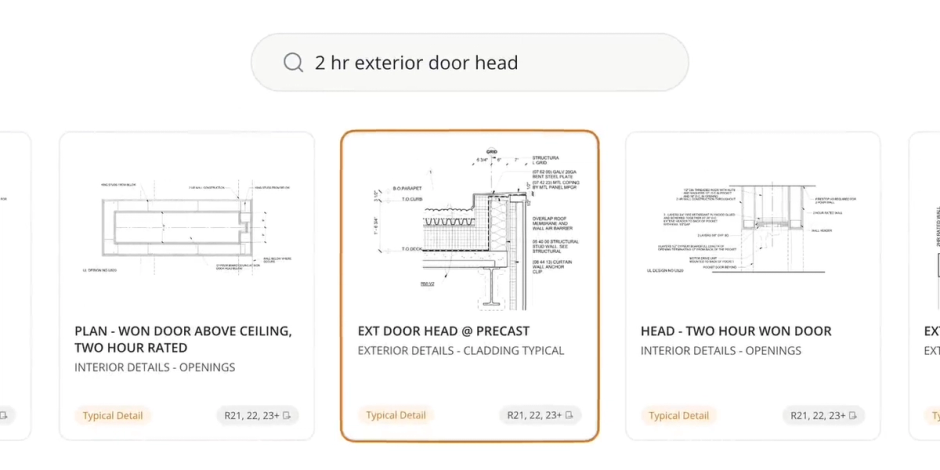
- Search first. Put your CAD details where people already look. Pirros indexes the text in uploaded DWGs, so CAD and Revit details come up in the same search. Split multi-detail sheets into one detail per file first, or Pirros treats the sheet as one detail. That's what detail management is for.
- Convert on first use. When a project needs a detail that only exists in CAD, convert that one detail, in that project, at that moment.
- Review it into the standard. Whoever converts it flags it in Pirros for the BIM manager, so the check happens inside project work, not in a meeting. The good ones become firm standards. In Pirros, anyone can flag a detail worth standardizing, and an admin promotes it: nothing becomes a firm standard without a person deciding it should.
A converted detail is ready for the standard when it passes the same check as any new one:
- It's built from detail components wherever one exists, not from loose lines.
- It uses your line styles, text types and fill patterns, with nothing left over from the DWG.
- Its notes are Revit text or keynotes that follow your text standards.
- The drafting view is named and scaled the way your firm names typicals, and the import is gone.
Over time, the details your projects use end up in Revit, and the ones nobody needs stay in CAD, tagged and out of the way.
Counsilman-Hunsaker did convert its whole set, but not in spare time. Leadership committed to the move, a BIM manager ran it and interns worked through the backlog. What kept it moving was review inside live work: people flagged details while using them on projects, and refinements made mid-project flowed back into the standard set. The library stopped being a side project and became a byproduct of the work itself.
Eleven months after adopting Pirros, over 85% of Counsilman-Hunsaker's active projects are Revit-based, and the team estimates the transition would have taken at least 50% longer without Pirros. Converting on demand puts that same review inside project work from the first detail, without a backlog crew.
How Mira speeds this up
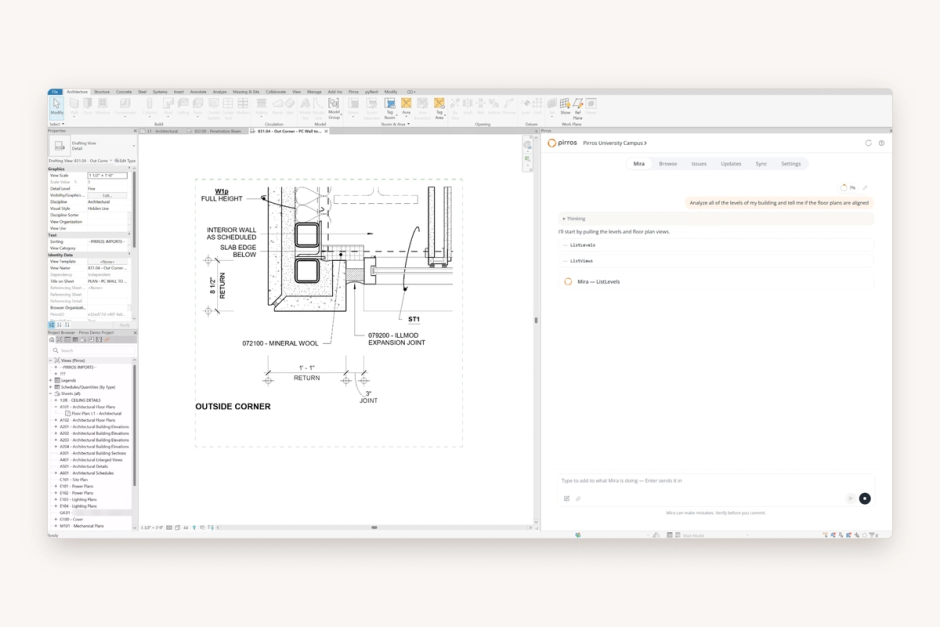
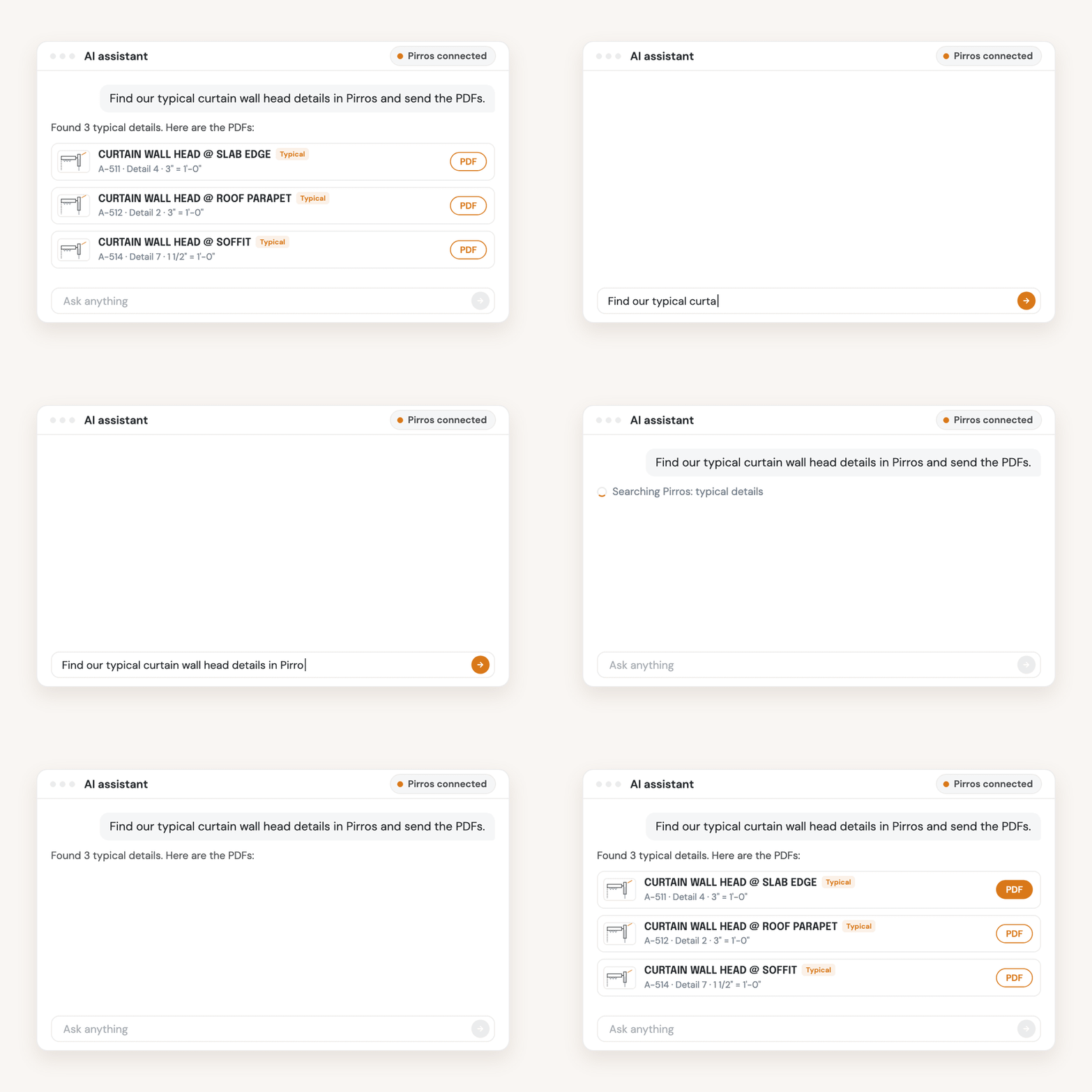
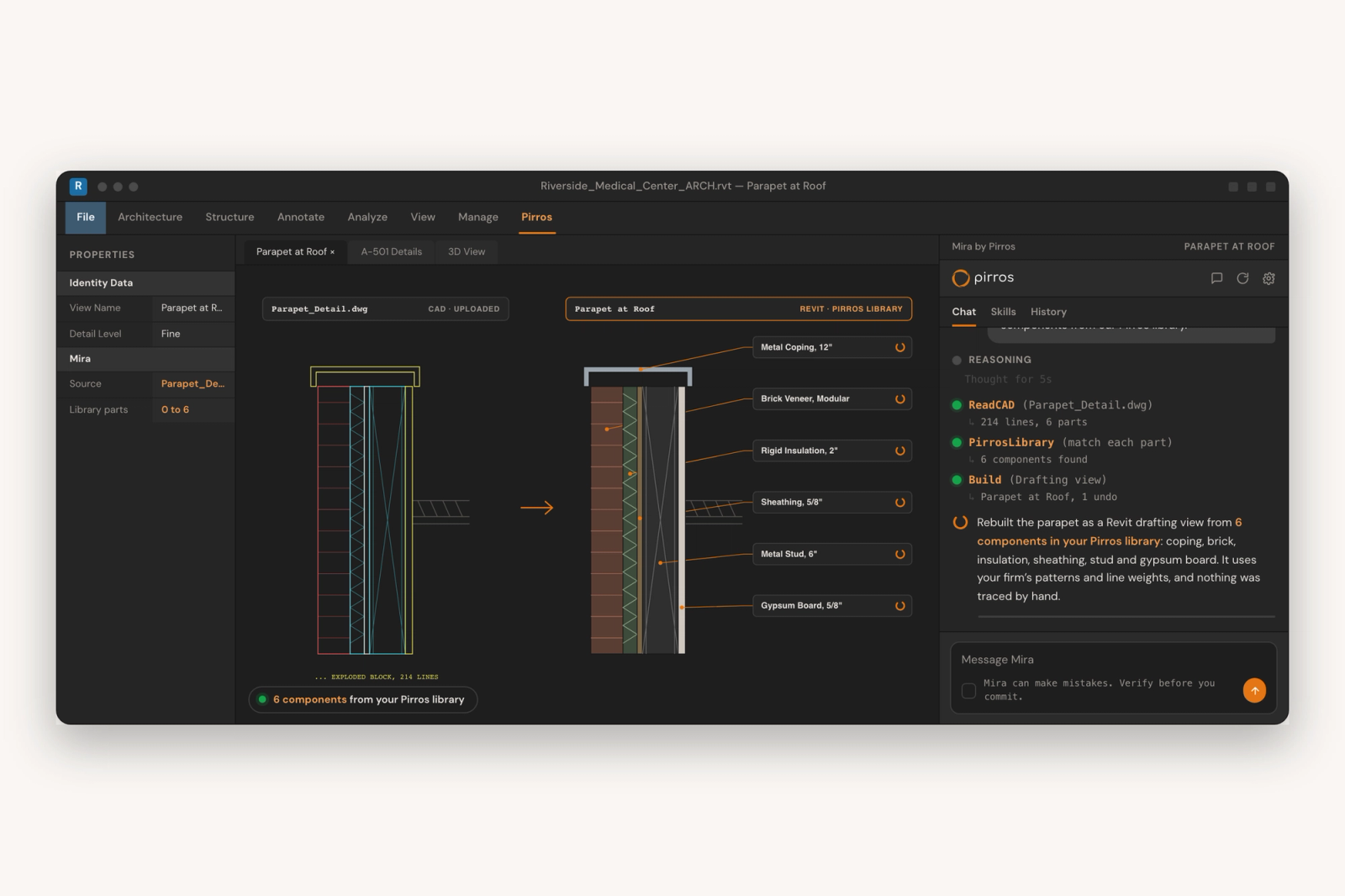
Mira, the AI agent for Revit, handles the redrawing in a conversion, and you review the result before it goes on a sheet. That makes converting on first use practical: it's a request and a check, not a tracing session.
Import the DWG into a drafting view and ask Mira: "Turn this CAD detail into a Revit detail." Mira reads the CAD linework and rebuilds it as a native Revit drafting view. It asks before it changes anything, and every change can be undone. Any Mira user can do this in Revit 2025 or later.
Try it on the next CAD detail you need. Download Mira for free, bring that detail into a drafting view, and ask Mira to turn it into a Revit detail. Then check what it builds before it goes on a sheet.