What's New in Revit 2027: The Changes That Touch Your Firm's Standards
Revit 2027 new features for BIM managers: Autodesk Assistant, rule-based numbering, Tag by Example, and what to check before your firm upgrades.

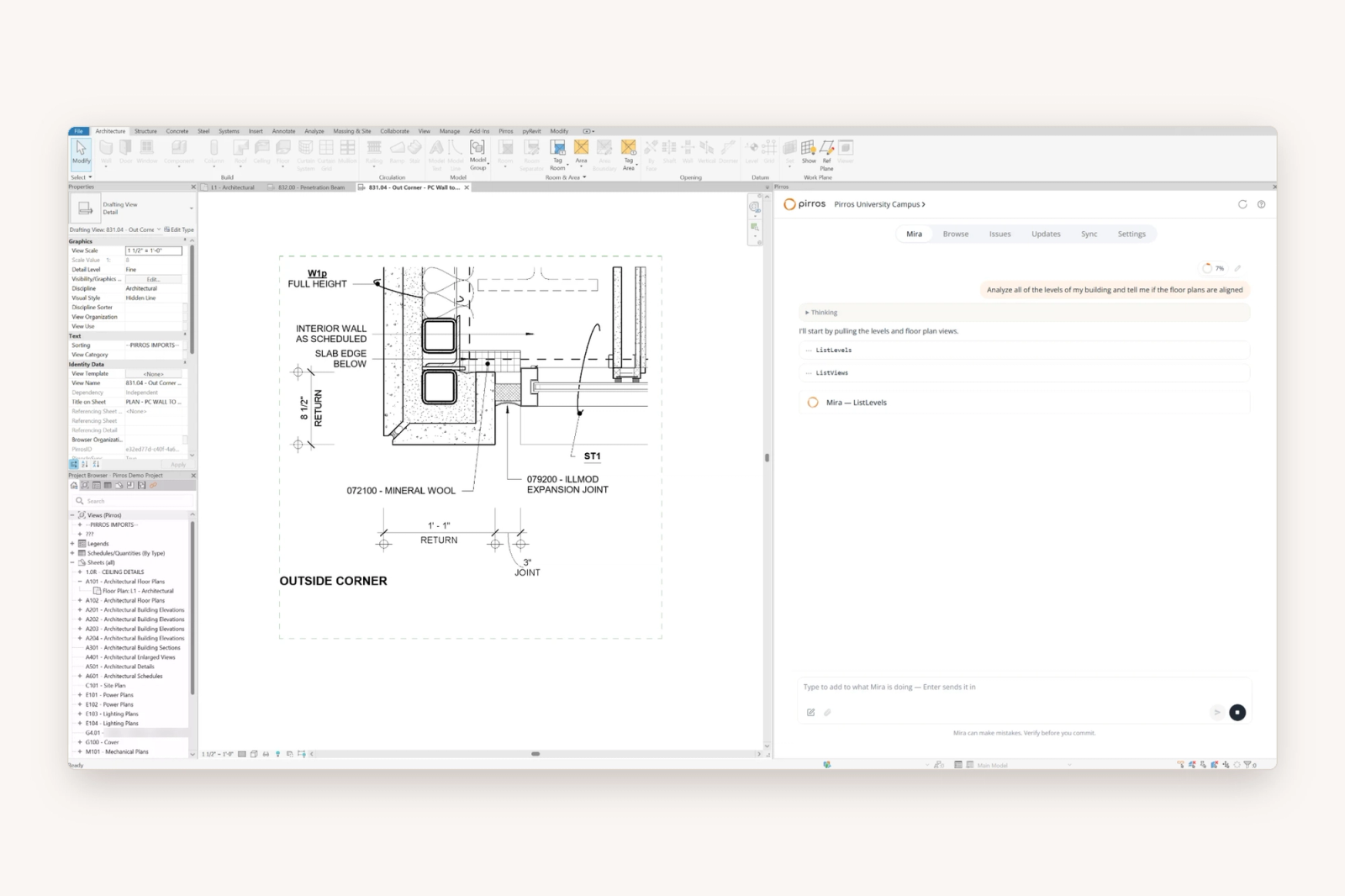
Revit 2027, the latest version of Autodesk's signature BIM software, shipped in April 2026, followed by the 2027.1 update in June and 2027.2 in July. The most noteworthy change is Autodesk Assistant, an AI assistant inside Revit, as well as rule-based numbering, Tag by Example, faster graphics and Forma tools.
If you're a BIM manager or architect deciding whether or when to move to Revit 2027, you'll want to know what each change does to your templates, families and add-ins, as well as what to check before you roll it out firmwide.
What changed in Revit 2027
Revit 2027 puts an AI assistant inside the model, automates more of the numbering and tagging, and leans further on Autodesk's cloud.
Autodesk Assistant (in tech preview)
Autodesk Assistant lets you work with the model in plain language. Autodesk says you can ask questions about the model, create and organize views and schedules, edit parameters in context, manage rooms, and save prompts to reuse. It's currently a tech preview, which Autodesk says comes with "no commitments or warranties during this phase".
Recent point releases have made Autodesk Assistant easier to audit. Since 2027.1, every action Assistant takes is logged in the Revit journal and marked with an AI prefix in the Undo menu, and a Stop button interrupts a running action. 2027.2 made graphic overrides and visibility changes more dependable and timestamped each response.
Documentation and annotation
- Rule-based numbering: Autodesk says it "replaces manual renumbering cycles" with numbering that adapts as the model changes. Each rule is a numbering template driven by parameter values.
- Tag by Example (2027.2): creates new tags from a tag you select, keeping its appearance and properties. You filter the hosts by category, family or type, and preview placement before committing.
- View title snapping (2027.2): view titles snap to view boundaries, crop regions, title block geometry and guide grids, so sheets line up faster.
- Stair tread numbering: now controlled by type properties.
- Rotated fill patterns (2027.1): rotate a custom fill pattern and save it as a new pattern type.
- The interface: Autodesk describes a modernized interface.
Modeling
- Walls hosted on walls: a wall can now host on another wall.
- Design options: design option views behave more consistently.
Performance
- Accelerated Graphics is out of preview and production-ready. 2027.1 added gradient and sky backgrounds to accelerated views. 2027.2 added ambient shadows and an optional Vulkan graphics engine.
- Incremental Model Open (2027.2, tech preview) loads only what the first view needs, then reads the rest as you go. Autodesk notes it doesn't shorten the time to download a cloud model.
- Dynamo runs faster on .NET 10, which Revit 2027 moves to.
Coordination and the cloud
- Issues are built into Revit, synced with Forma Data Management, instead of an optional extension.
- Forma tools in the subscription: Forma Data Management Essentials, Forma Site Design, Forma Building Design and Forma Board are now included with Revit.
- Forma Carbon Insights (formerly Autodesk Insight) brings embodied and operational carbon into the design workflow, and materials now carry a carbon parameter.
- Model Analytics gives visibility into model health, performance and risks.
- IFC mapping and data exchange are improved.
Structural and MEP
- Structural: the analytical model updates from physical changes; rebar distribution, splicing and spacing follow rules as hosts change. 2027.1 added analytical elements at grids and rebar placement in 3D views.
- MEP: HVAC zoning, loads and sizing run on system-level logic. 2027.1 added a sizing calculator for ducts, and 2027.2 extended it to pipes.
What this means for your firm's standards
Most of the changes in Revit 2027 land on the BIM manager. Here's where they touch the firm's standards:
- Your template has new work. Numbering templates, rotated fill patterns and the tags Tag by Example copies from all live in the template. Tag by Example copies whatever tag you pick, so the tag families in your template are what spreads.
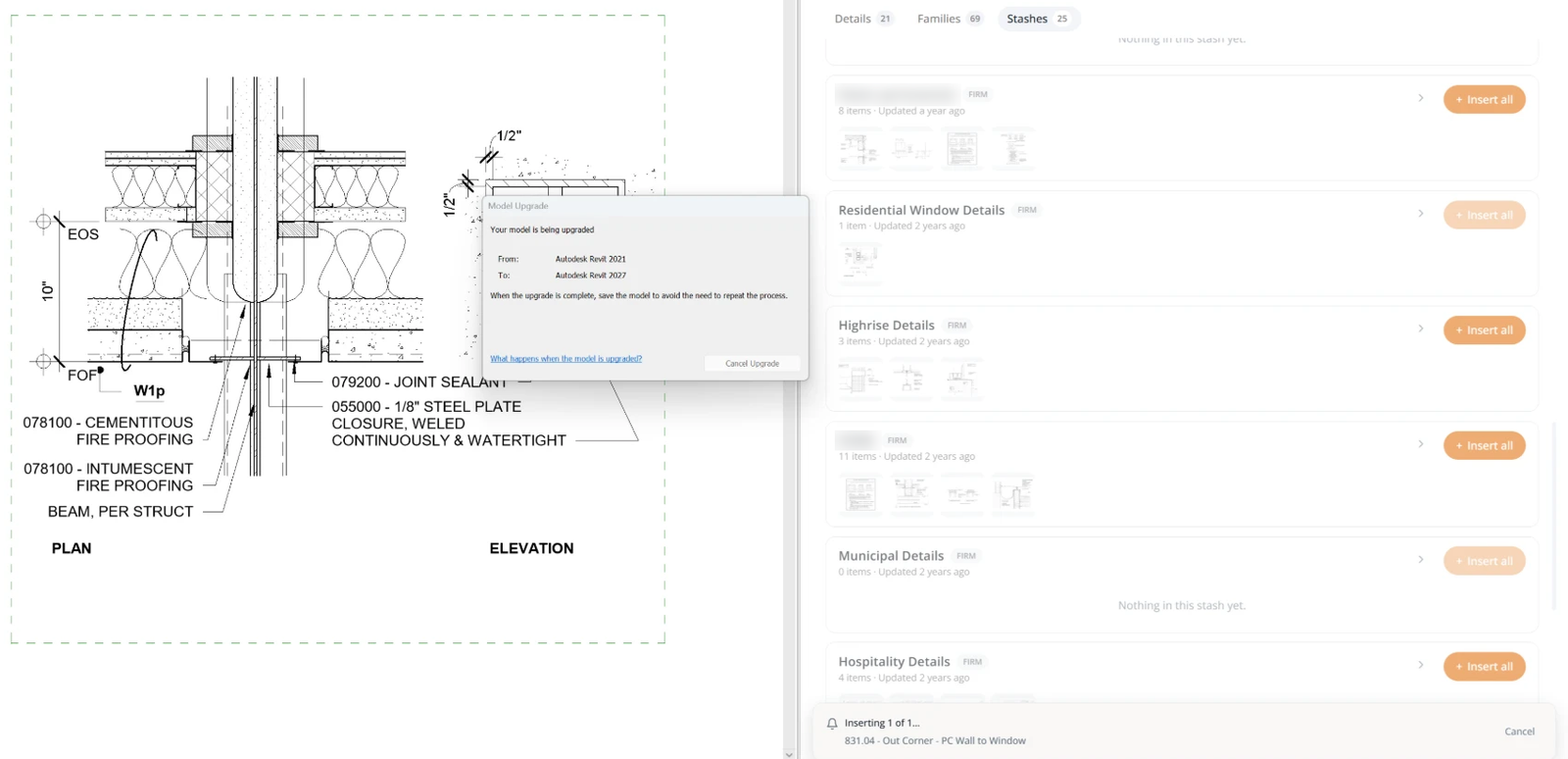
- Projects and families upgrade one way. Revit can't save back to an earlier version (Autodesk: backward compatibility). Upgrade the firm's standard families and details once, centrally, instead of letting every project upgrade its own copies.
- Add-ins and Dynamo move to .NET 10. Ask every add-in vendor for a Revit 2027 build, and test the firm's Dynamo graphs before rollout.
- Windows 11 only. Revit 2027 needs 64-bit Windows 11. Autodesk lists 16 GB of RAM as usually enough for one model up to about 300 MB on disk, and more for bigger models (Autodesk: system requirements).
- AI needs a firm rule. Decide what Assistant may do on live projects while it's in tech preview. The AI prefix in the Undo menu and the journal log make its changes easier to review.
Forma will gradually replace Revit
At the September 2026 Autodesk University FAQ, the company publicly answered the question "Will Autodesk Forma replace Revit?" with "Over time, yes." CEO Andrew Anagnost reiterated this one month later, noting that Revit will follow AutoCAD's path, still in use as more work moves to Forma. Autodesk says it won't force a sudden transition and will keep investing in Revit, which it already counts as a Forma Connected Client: a desktop tool that shares project data with Forma.
Before you upgrade to Revit 2027: a checklist
Run through this checklist before the firm moves a live project:
- Confirm every machine runs 64-bit Windows 11.
- Get a Revit 2027 build of every add-in, and test the Dynamo graphs the firm relies on.
- Install the latest point release. Autodesk recommended 2027.0.1 at launch for its fixes, and 2027.2 is current.
- Keep a pre-upgrade copy of the template, then upgrade it and the firm's standard families and details once.
- Agree a Revit version for each project with your consultants, since a 2027 model won't open in 2026.
- Pilot 2027 on one project before the rest of the firm moves.
- Write down what Autodesk Assistant may and may not do on live projects.
What's still missing
Revit 2027 is a better tool for the project in front of you. It still works one project at a time.
- It doesn't know your firm's past work. The details and families your firm has drawn over the years still sit in old models, and the approved version of each is still a file someone has to find.
- Most repetitive edits still happen one element at a time. Renumbering a sheet after a late change, replacing a product name across every note, centering room tags: Assistant covers some jobs, in tech preview, and the rest is still clicking.
- It doesn't check a view against your firm's standards. A detail copied from an old project or a consultant's drawing comes in with its own line styles, text and tags, and bringing it onto your template still means fixing each style by hand.
- New tools only reach projects that move to 2027. Many firms keep a project in the version it started in, so rule-based numbering and Tag by Example skip the work already underway.
Where Pirros and Mira fit
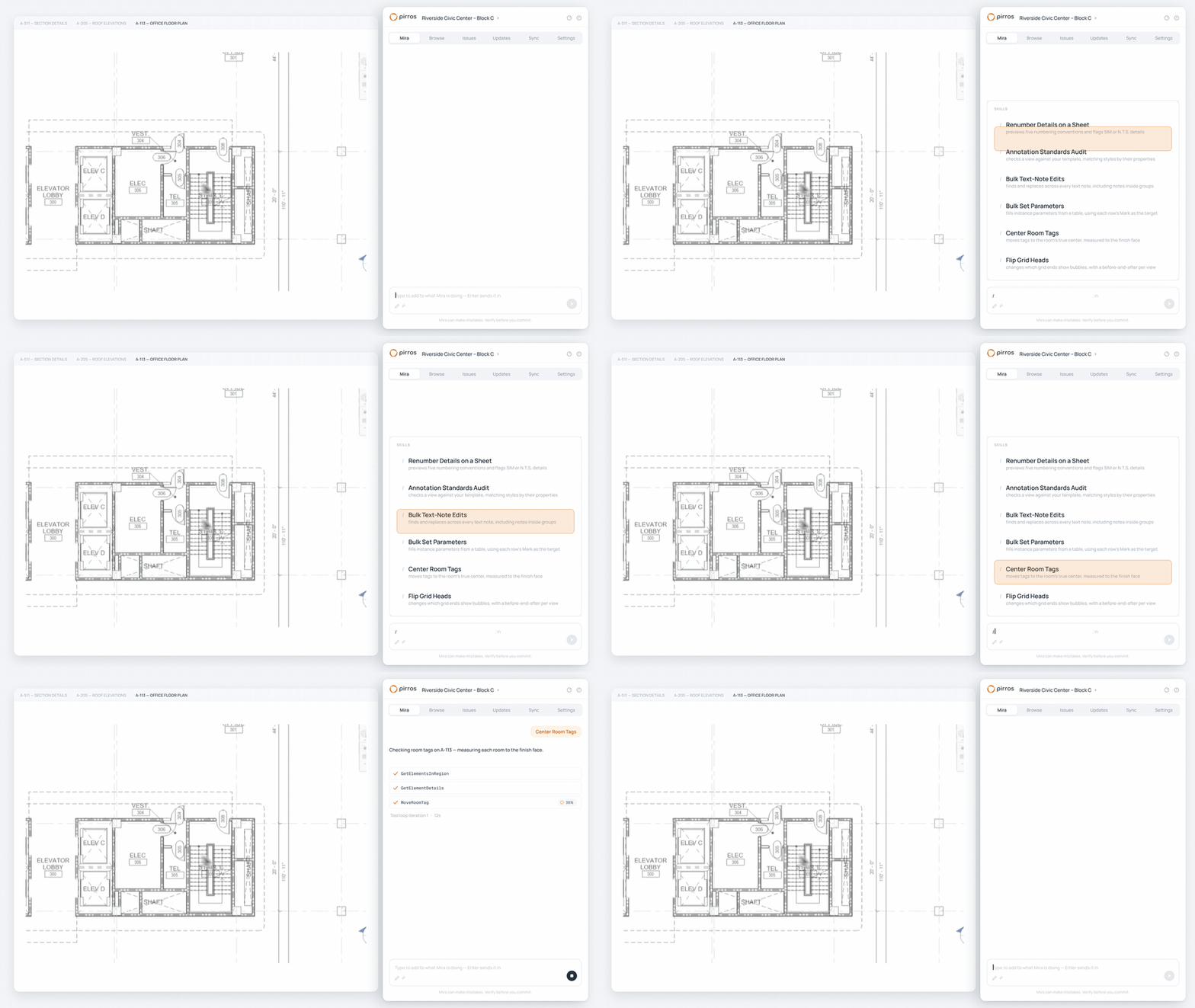
Mira, the AI agent for Revit, works inside your Revit session in Revit 2025 and later, Revit 2027 included. It takes on the jobs Revit leaves to you one element at a time. All you have to do is ask Mira in plain language:
- "Renumber the details on this sheet."
- "Audit this view against our standards, here's our template."
- "Center the room tags in this view."
- "Flip the grid heads on these grids, then do the same on the other floor plans."
Mira looks before it touches anything, asks before it writes, applies each batch as one step you can undo, and reports what it changed and what it skipped. Mira handles the repetition; you approve the result.
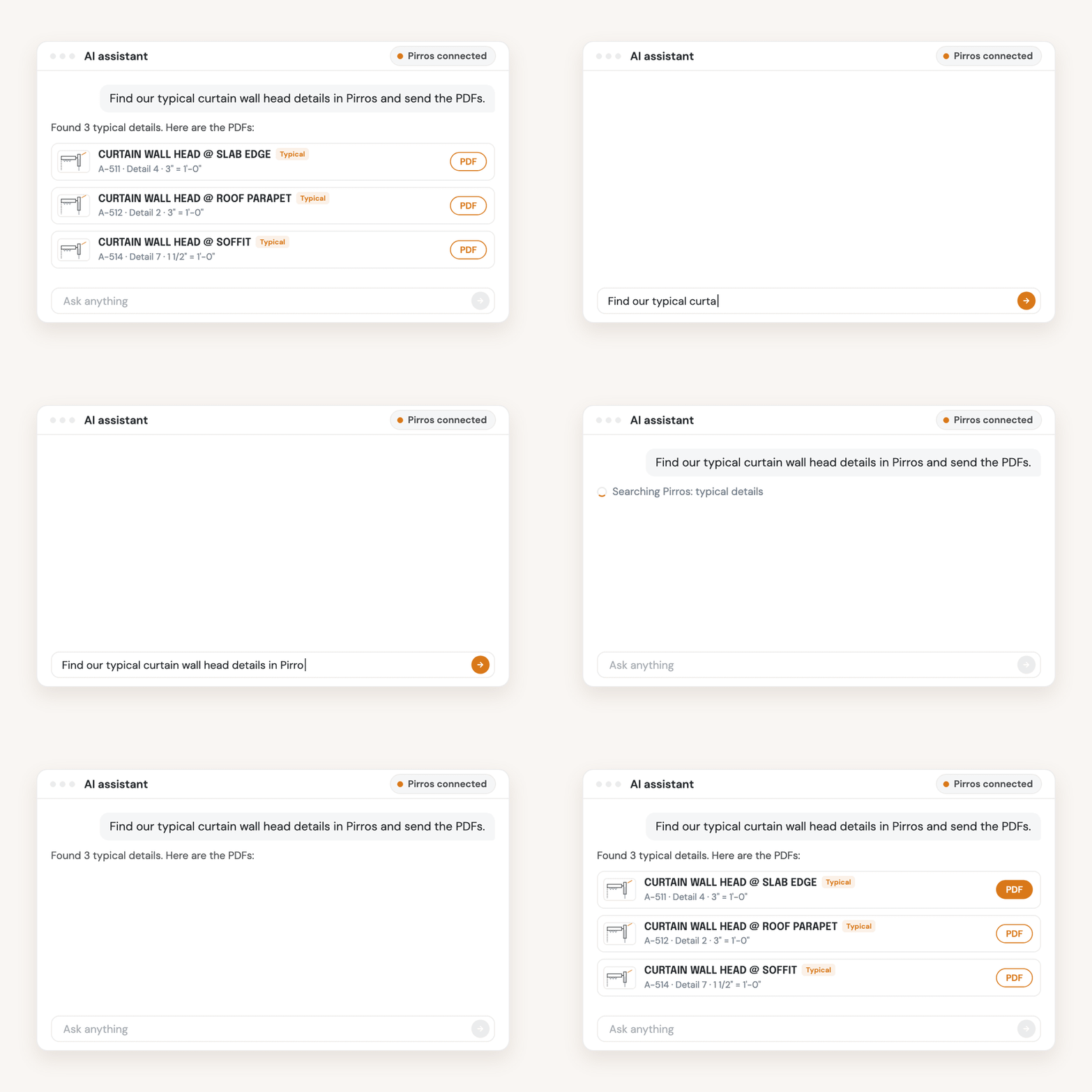
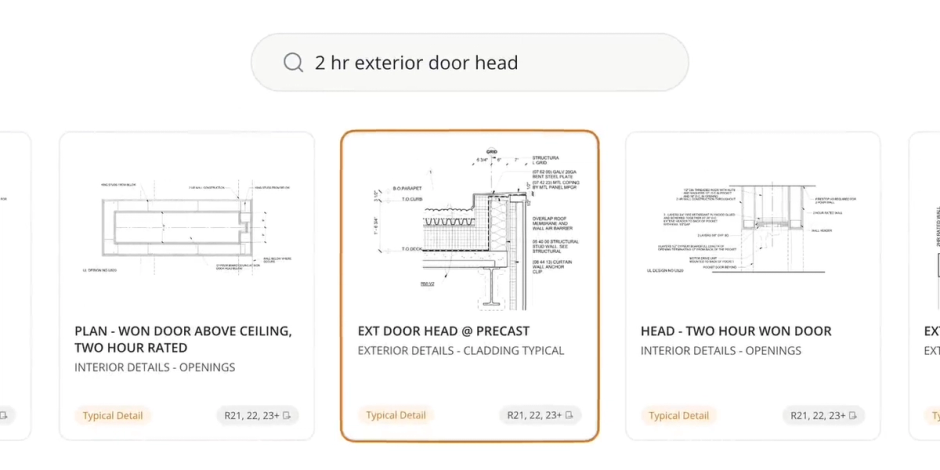
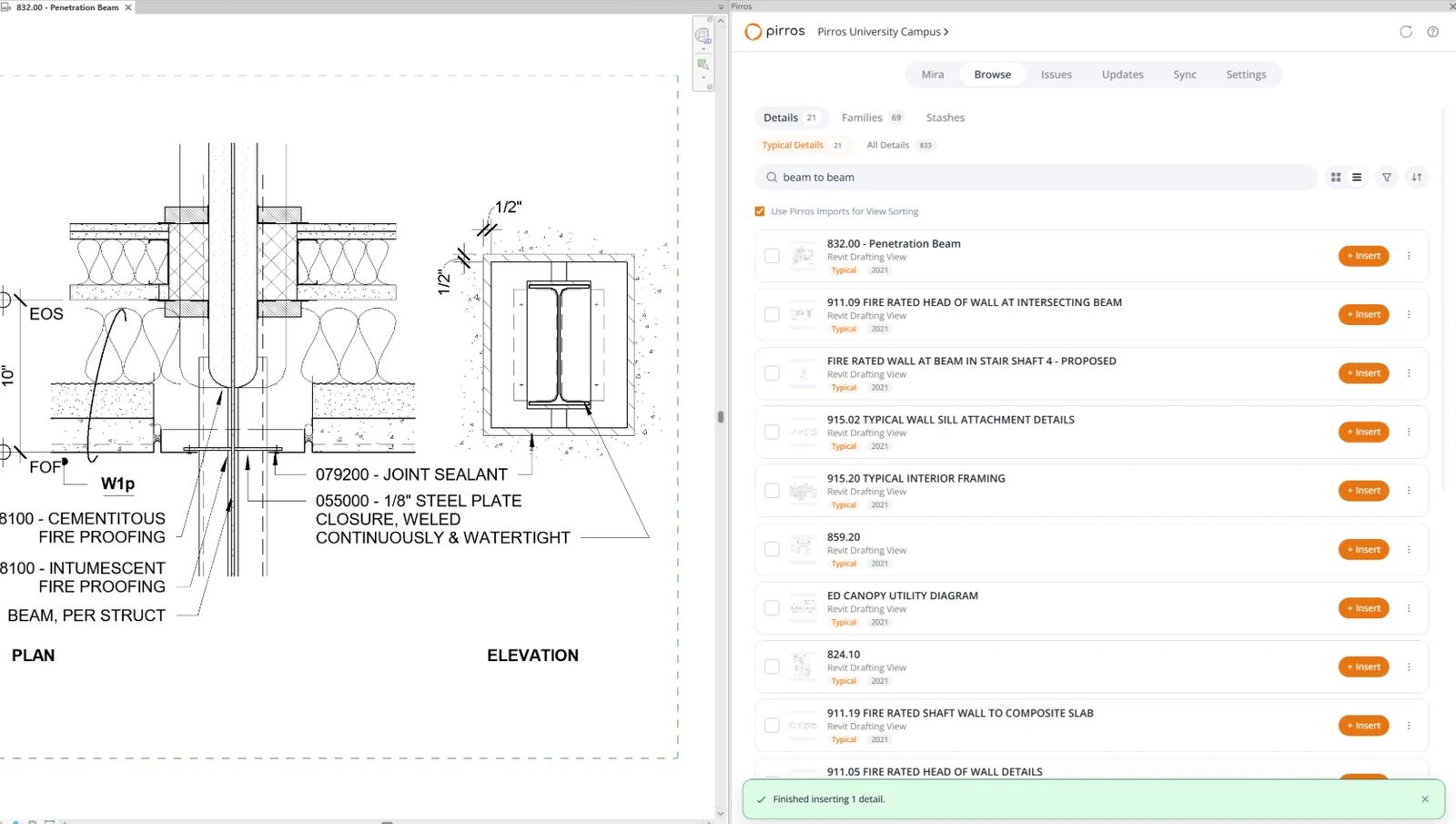
Pirros, the AI project hub for architects and engineers, covers the rest. Its AI-powered search reads the details and families from your past projects, allowing your team to find the approved versions without hunting through old models. Pirros in Revit places your details and families in the active view. The Quality Management System runs on Mira and reviews a set against the standards your firm keeps in Pirros, naming the sheet and the standard behind each finding. Your team makes the call.
Upgrade with your standards in hand
Try Mira free: it runs in Revit 2025 and later. To see your firm's details and families in one place before the next upgrade, book a demo.