From Title Block to Finished Sheet, All in Pirros
Build complete Revit sheets right in Pirros. Add your firm's title blocks, arrange details, and bring everything into Revit with one click.

What if you could put together an entire Revit sheet, complete with your firm's title block and details, before ever opening Revit? And what if you could reuse that same layout on your next project?
That's what Pirros Sheet Builder makes possible.
Bring together details from your firm's existing library, arrange them on a visual canvas, and save layouts to use again and again. With the addition of title block support, you can now build sheets around your firm's actual title blocks and generate them directly in Revit, ready for your team to use.
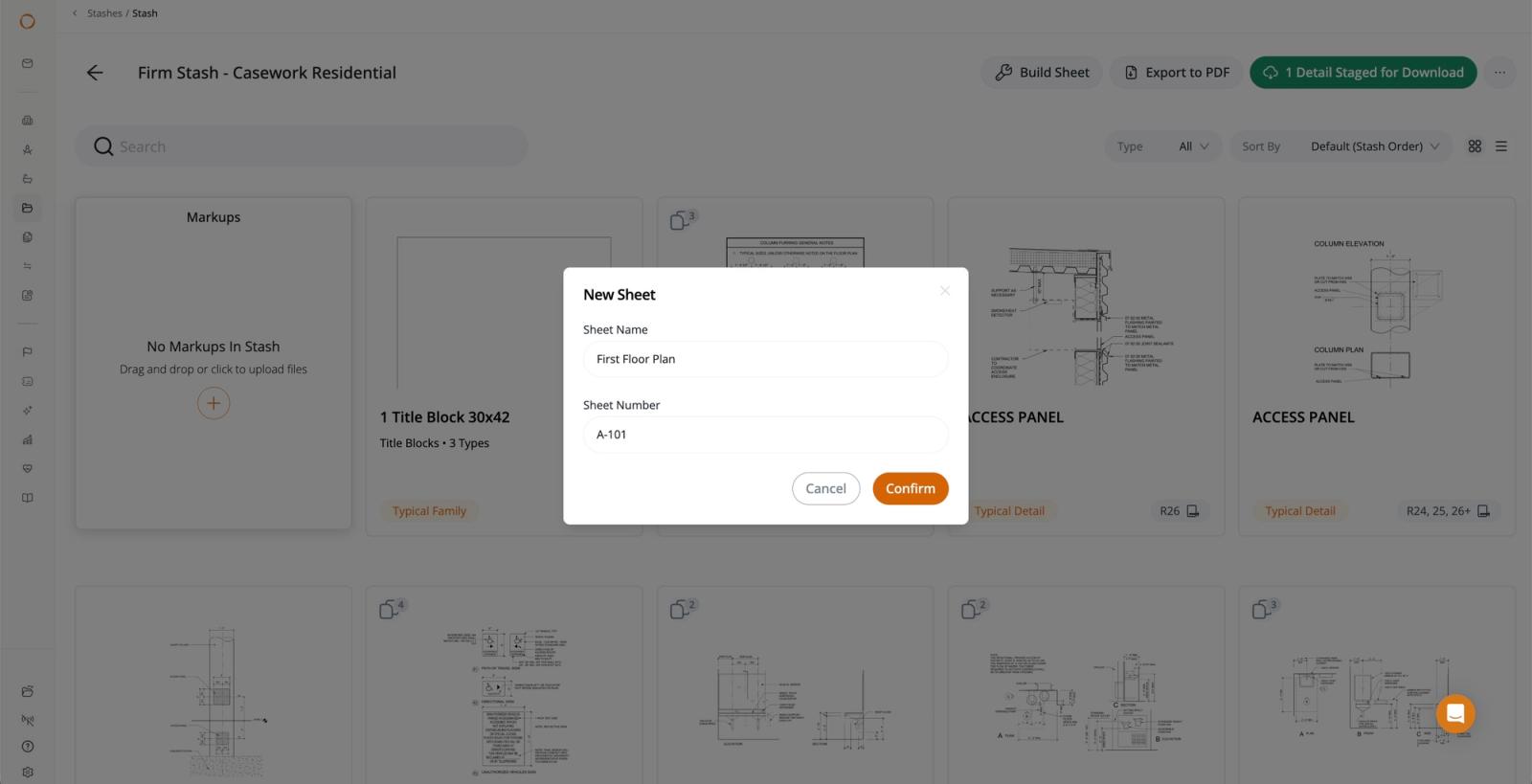
Start with Your Firm's Own Title Block
Every Revit sheet starts with a title block. Now, Sheet Builder does too.
With Pirros Families, you can select a title block directly from your firm's family library, choose the appropriate type and sheet size, and see it displayed right on your Sheet Builder canvas.
Instead of arranging details on a blank canvas and figuring out how they'll fit later, you can build your sheet around the actual title block your firm uses. And when you're ready to bring it into Revit, Pirros creates the sheet with your selected title block and details already in place.
Drag, Drop, and Build Your Sheet
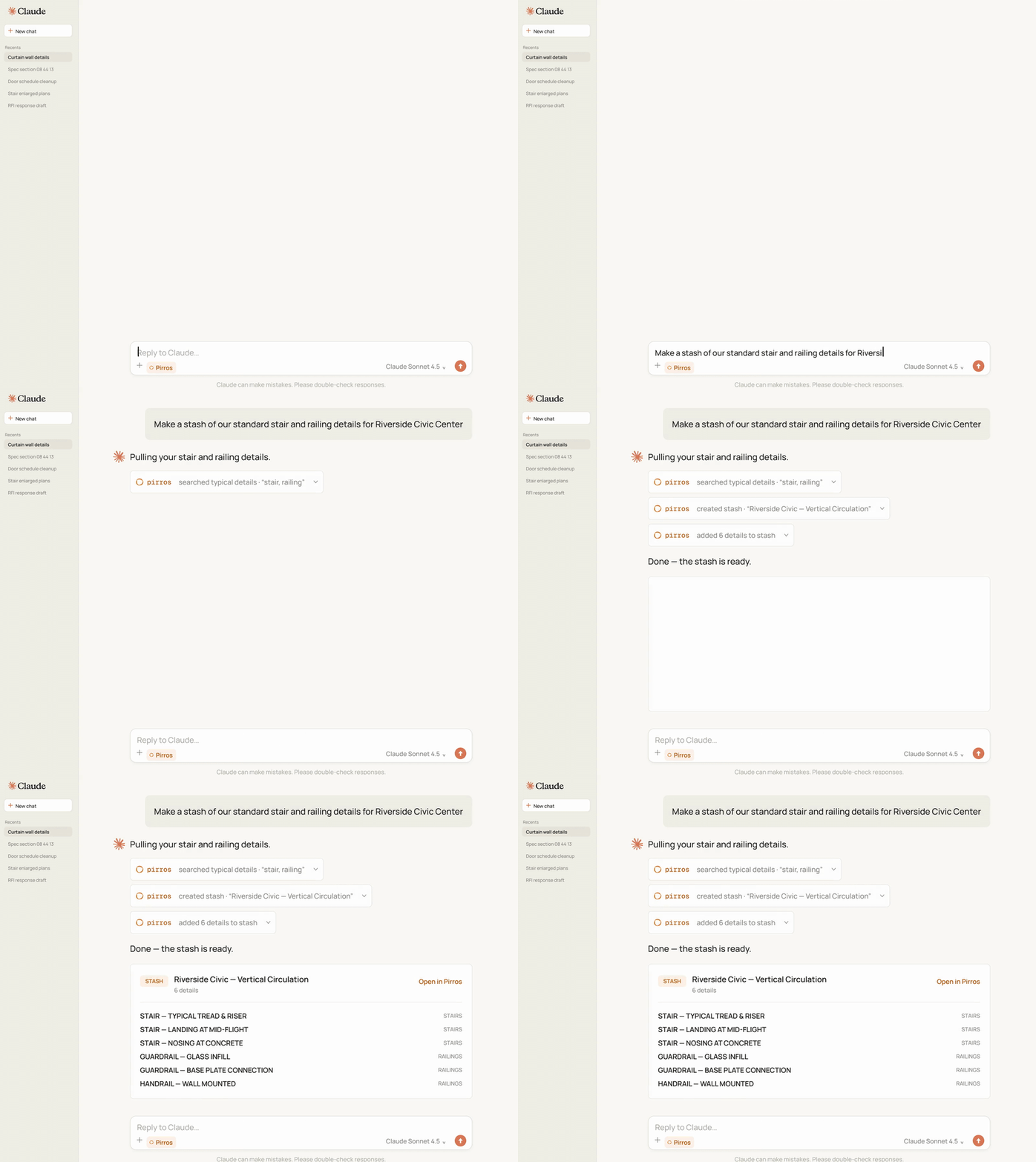
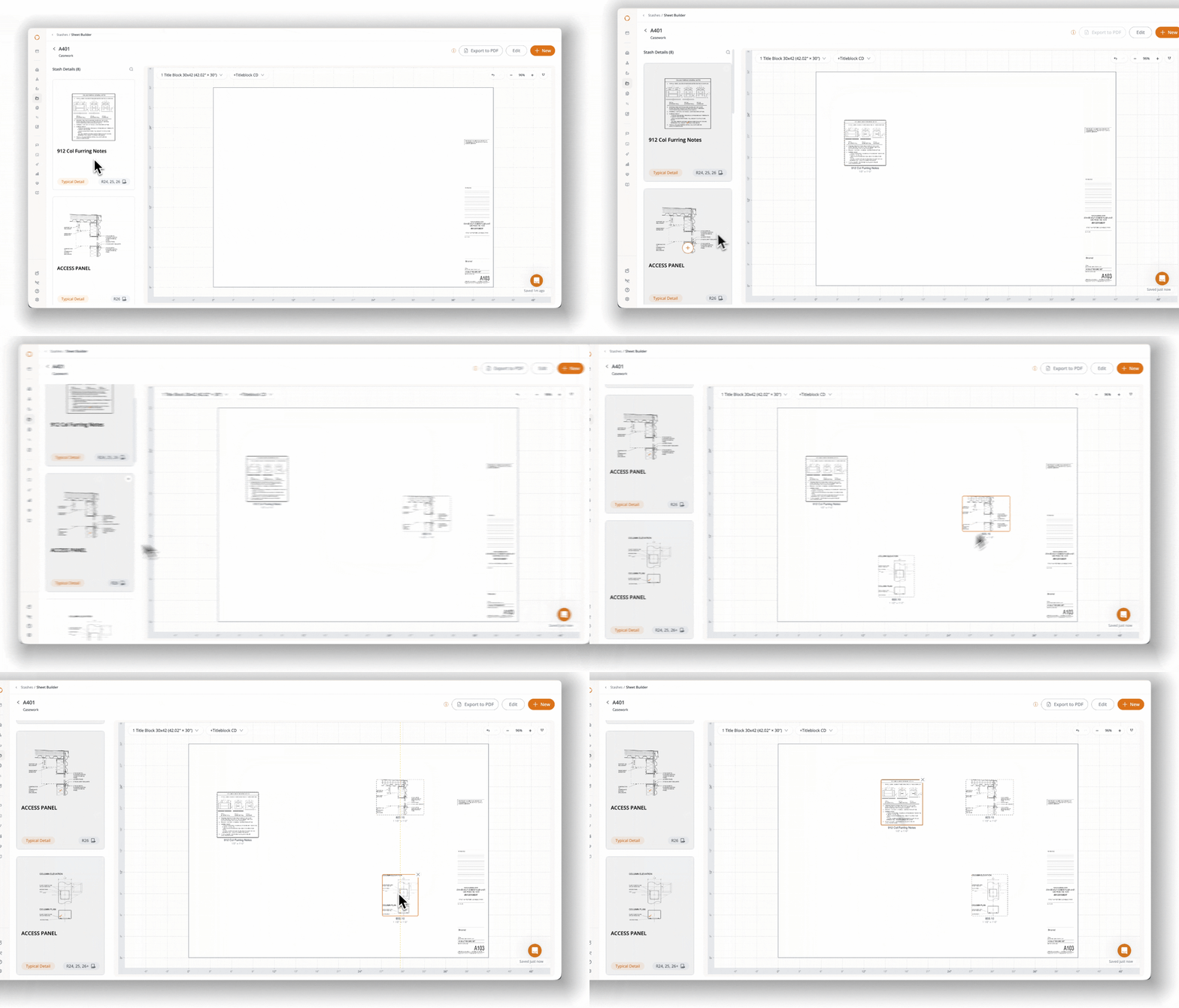
Sheet Builder makes assembling Revit sheets as simple as dragging and dropping your firm's existing details into place. Start with a stash of details you've collected in Pirros, whether it's a set of standard foundation details, wall sections, or typical connection details. Open Sheet Builder, and you're ready to start laying out your sheet.
From there, you can:
- Drag and drop details onto your sheet and arrange them exactly where you want them.
- Keep everything aligned using grid snapping, alignment tools, and even spacing.
- Create multiple sheets within the same stash, each with its own arrangement and title block.
- Make changes as you go, rearranging details and adjusting your layout without starting over.
- Export scaled PDFs to share with colleagues for review and redlining before bringing anything into Revit.
You can even start with an existing supported Revit sheet and turn it into an editable Sheet Builder layout. It's a faster and more flexible way to put together documentation using the work your firm has already done.
Build It Once. Reuse It Across Projects.
Think about how many times your firm produces similar sheets across different projects. An architecture team might regularly use the same collection of wall sections and envelope details. A structural engineering firm might assemble a familiar set of foundation or connection details for every new building. The details might change slightly from project to project, but much of the layout stays the same. So why rebuild it every time? With Sheet Builder, you can save and reuse layouts across projects, giving your team a head start on the next one.
For BIM managers and design technology teams, it's also an opportunity to establish consistent sheet layouts that everyone can work from. Instead of asking every project team to recreate common sheets, you can give them a starting point built around your firm's trusted details, title blocks, and documentation standards.
As your firm's details and standards evolve, those layouts can be updated and reused, making each new project easier to get started.
From Your Browser to Revit, Without Rebuilding a Thing
Here's where it all comes together.
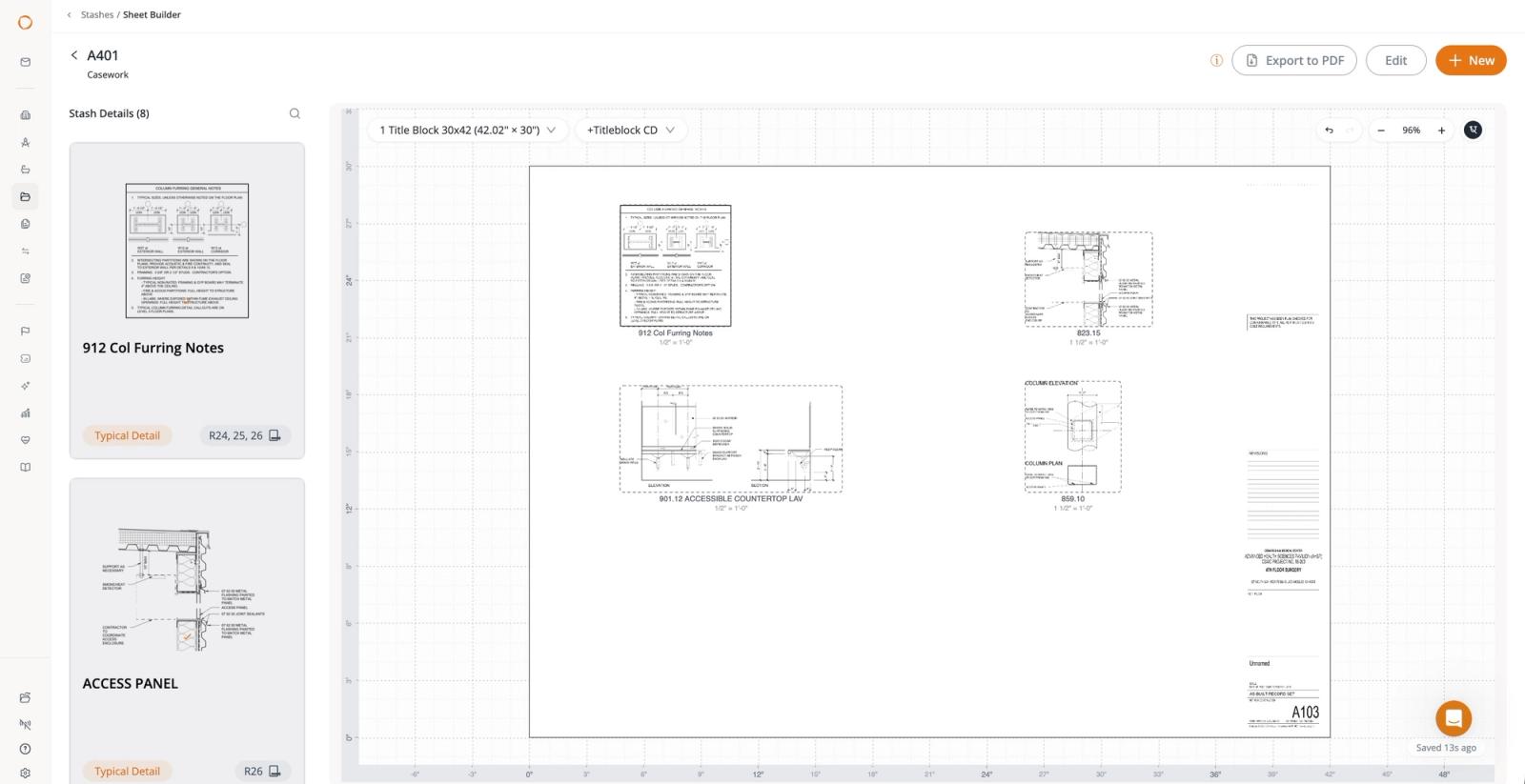
Once you're happy with your layout, simply download it through Pirros in Revit. Pirros generates a Revit sheet with your selected title block and places your details at the positions and scales you arranged.
No manually recreating the layout or placing every detail viewport one at a time. You get an assembled Revit sheet, ready for your team to continue working on. And because the layouts live in Pirros, you can return to them whenever you need to create similar sheets for another project.
Bring Your Families into the Picture
Title blocks are just one example of what becomes possible when your firm's details and families live together in Pirros.
With Pirros Families, your team can manage and reuse Revit families alongside your existing detail library. That means you can:
- Find the right families faster with AI-powered visual search across family geometry, parameters, types, and more.
- Keep your library organized and up to date with version history, approved firm standards, and duplicate detection.
- Preview families before using them, including interactive 3D previews and information about available types.
- Bring families directly into Revit without digging through folders or opening old projects.
And now, with title blocks supported in Sheet Builder, those same families can become part of your reusable sheet creation workflow.
Already using Pirros for details? Explore Pirros Families to see how bringing your firm's families into the platform can make even more of your existing work reusable.
Make Every Sheet a Starting Point for the Next
Your firm has already invested countless hours creating details, developing standards, and refining how projects are documented. That work should make the next project easier. Pirros Sheet Builder helps you put it all to use, bringing together your firm's details, title blocks, and sheet layouts in one connected workflow.
With reusable layouts and title blocks now built in, you can spend less time assembling the same sheets and more time on the work that moves your projects forward.
Ready to build your first sheet?
Check out our guides to composing Revit sheets with Sheet Builder and adding your firm's title blocks.
Not on Pirros Families yet?
Your firm's title blocks are just the beginning. Bring your Revit families into Pirros to unlock title blocks in Sheet Builder and make your entire family library easier to find, manage, and reuse.